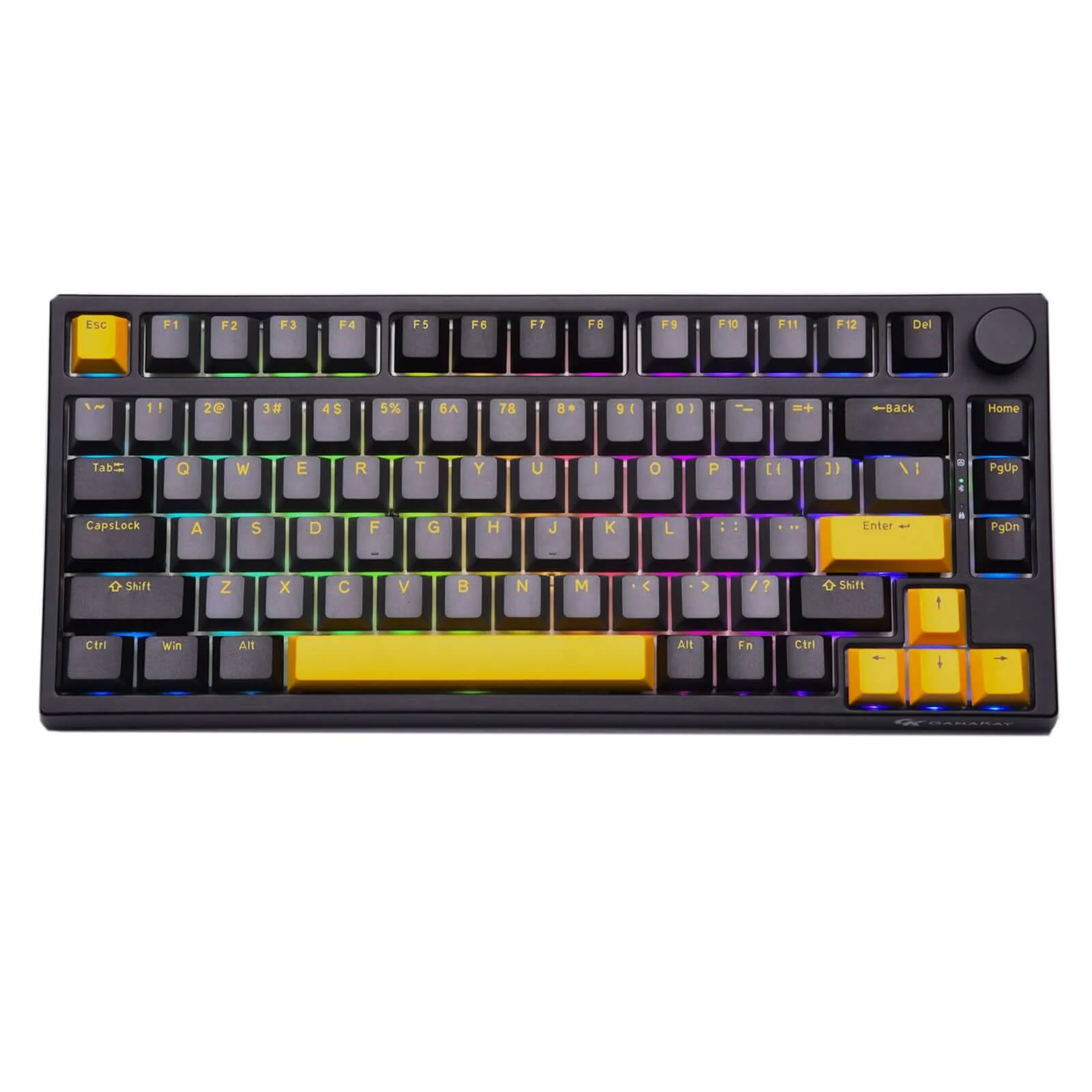
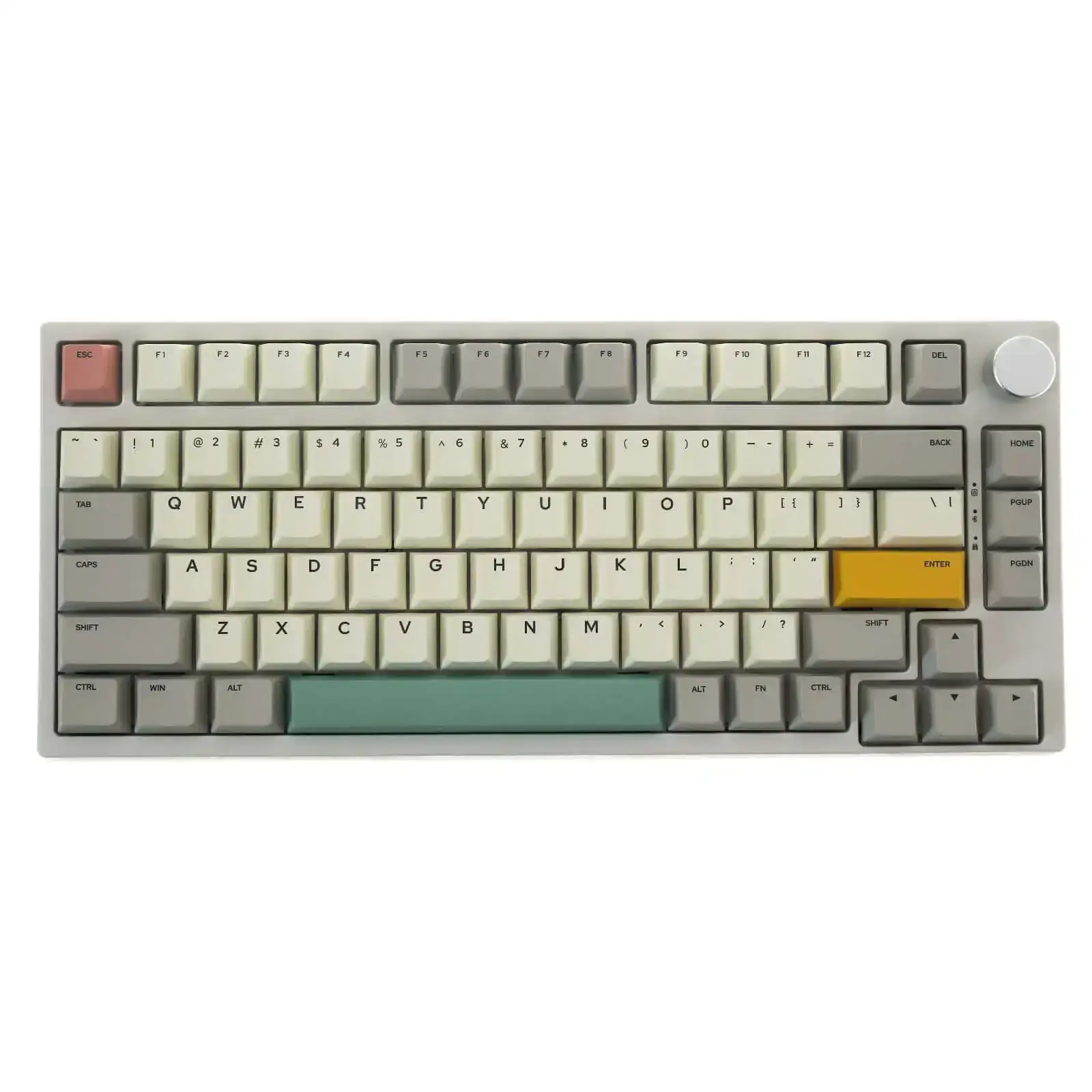
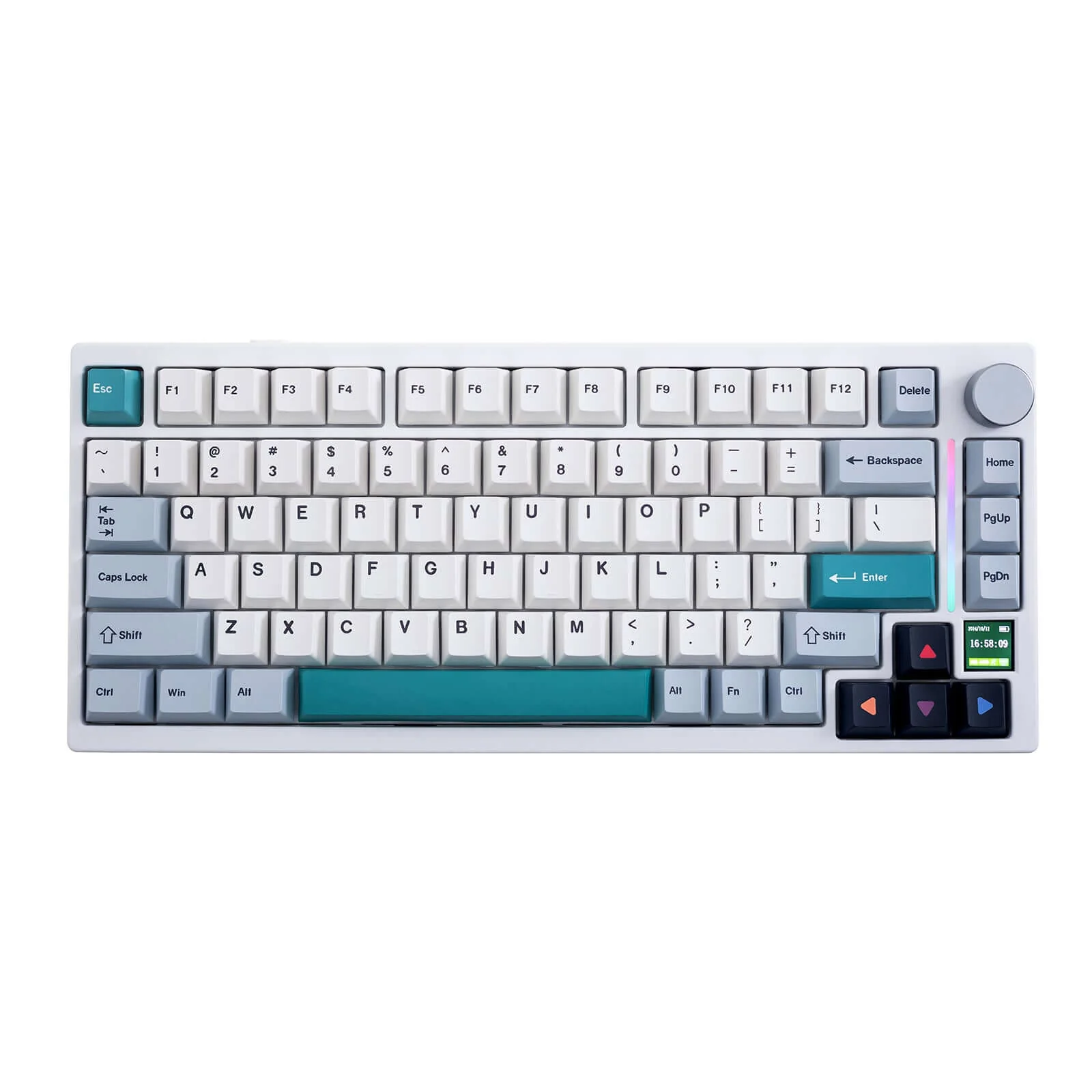
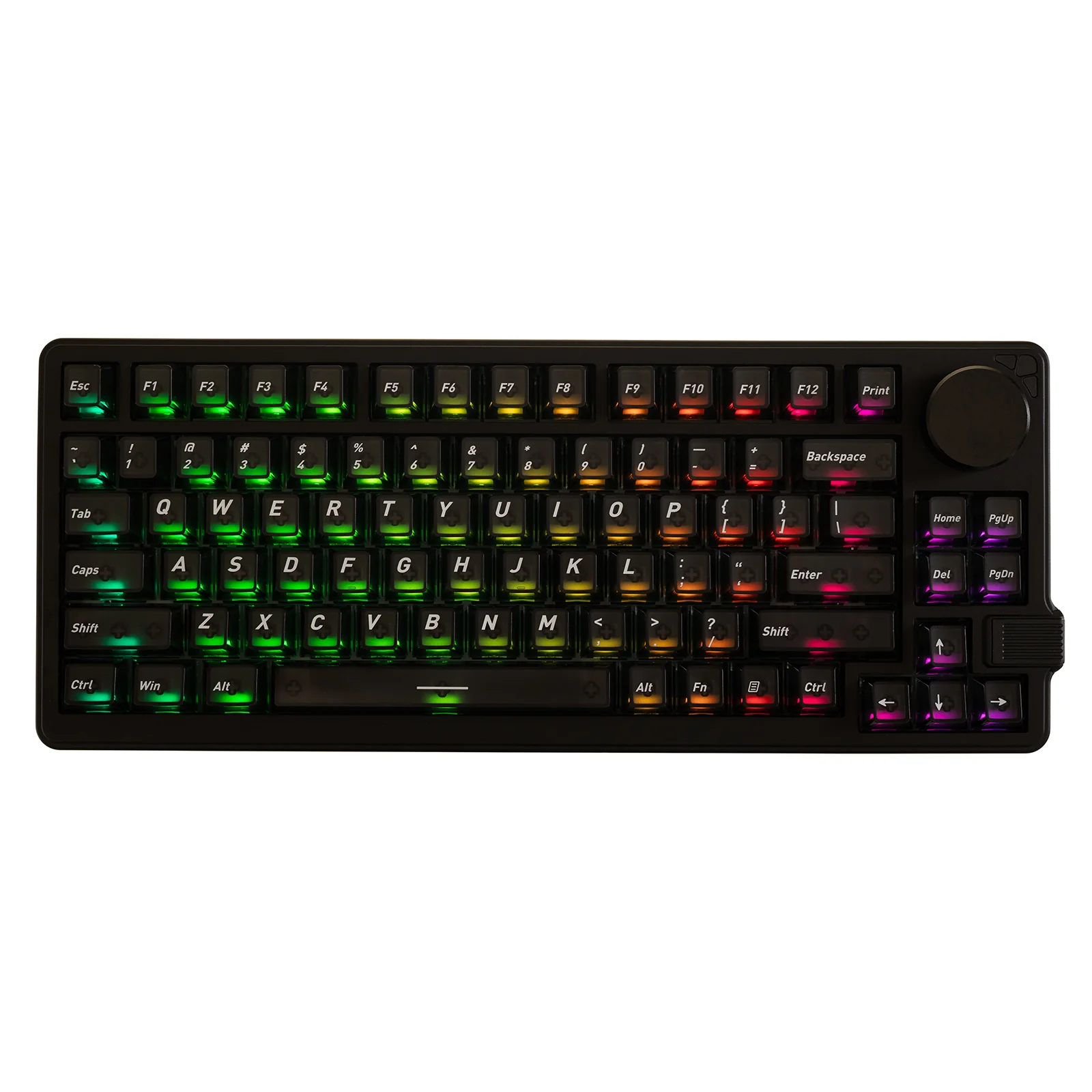
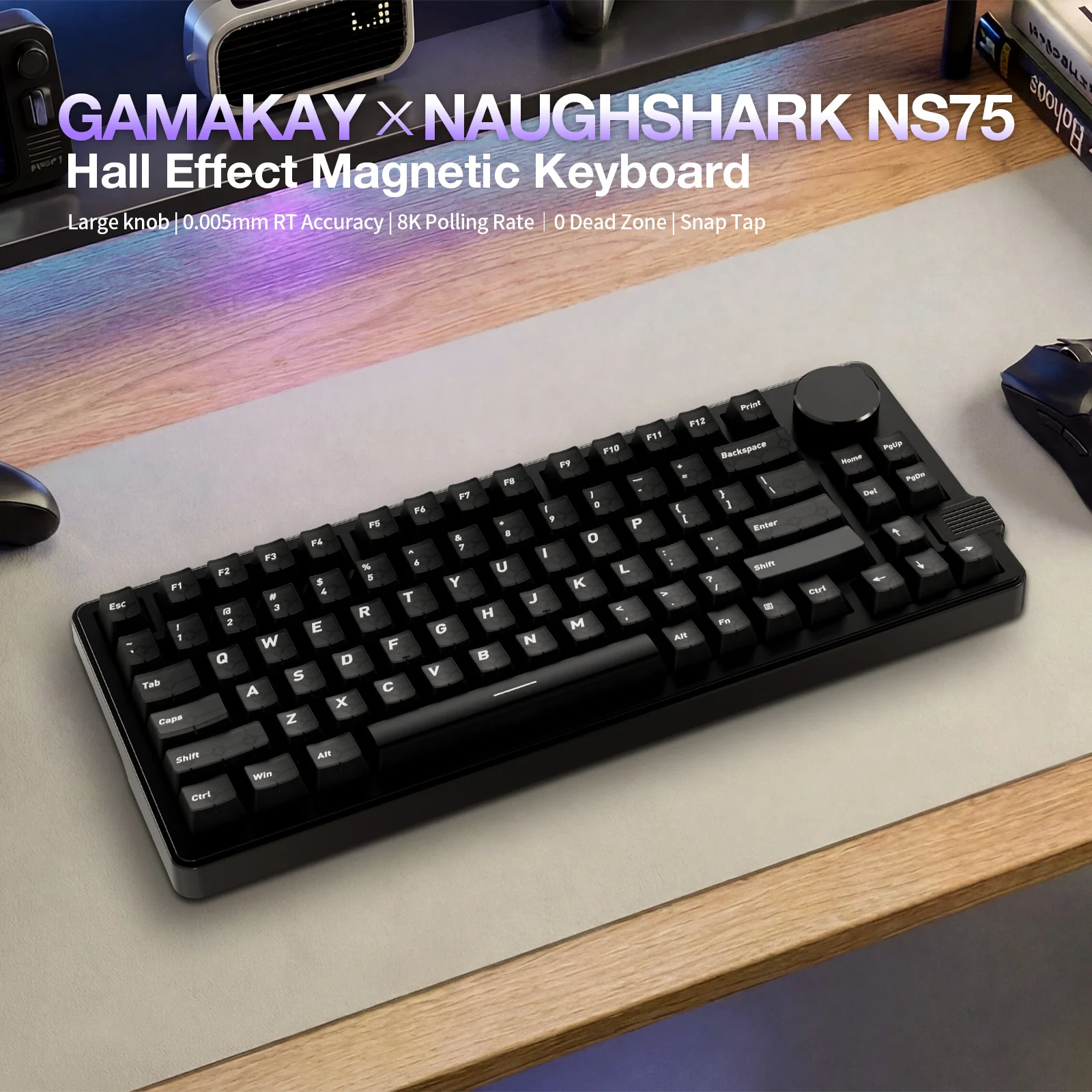
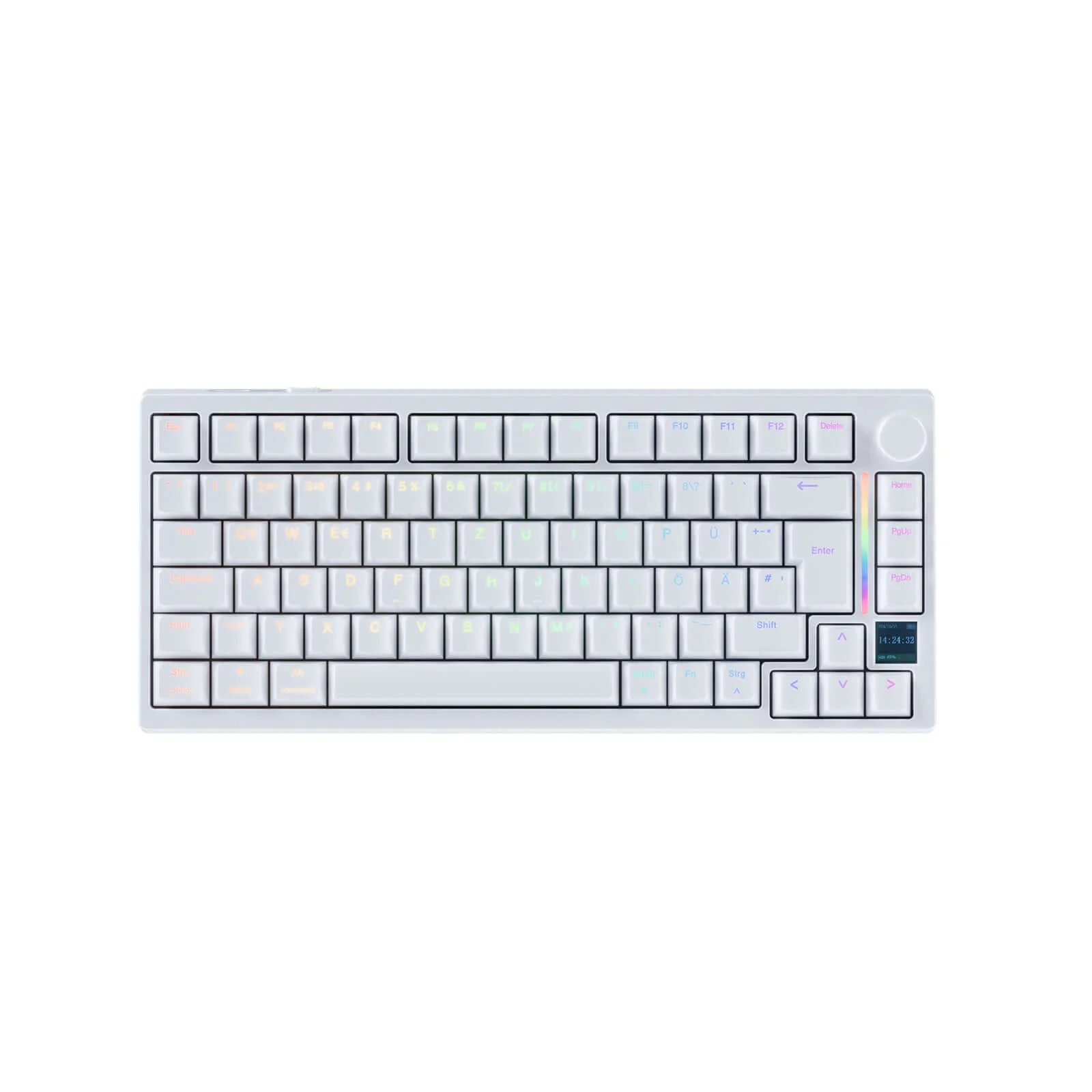
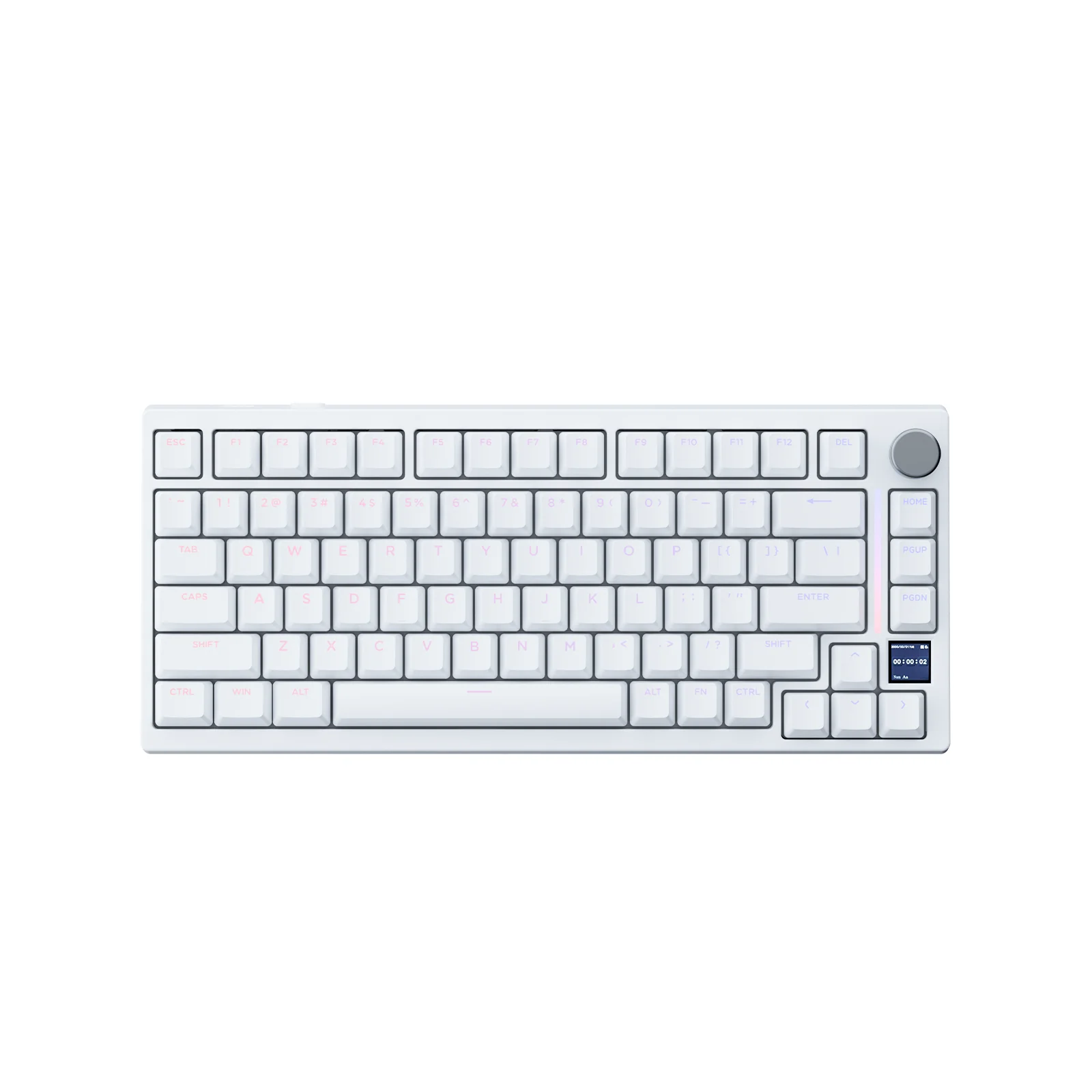
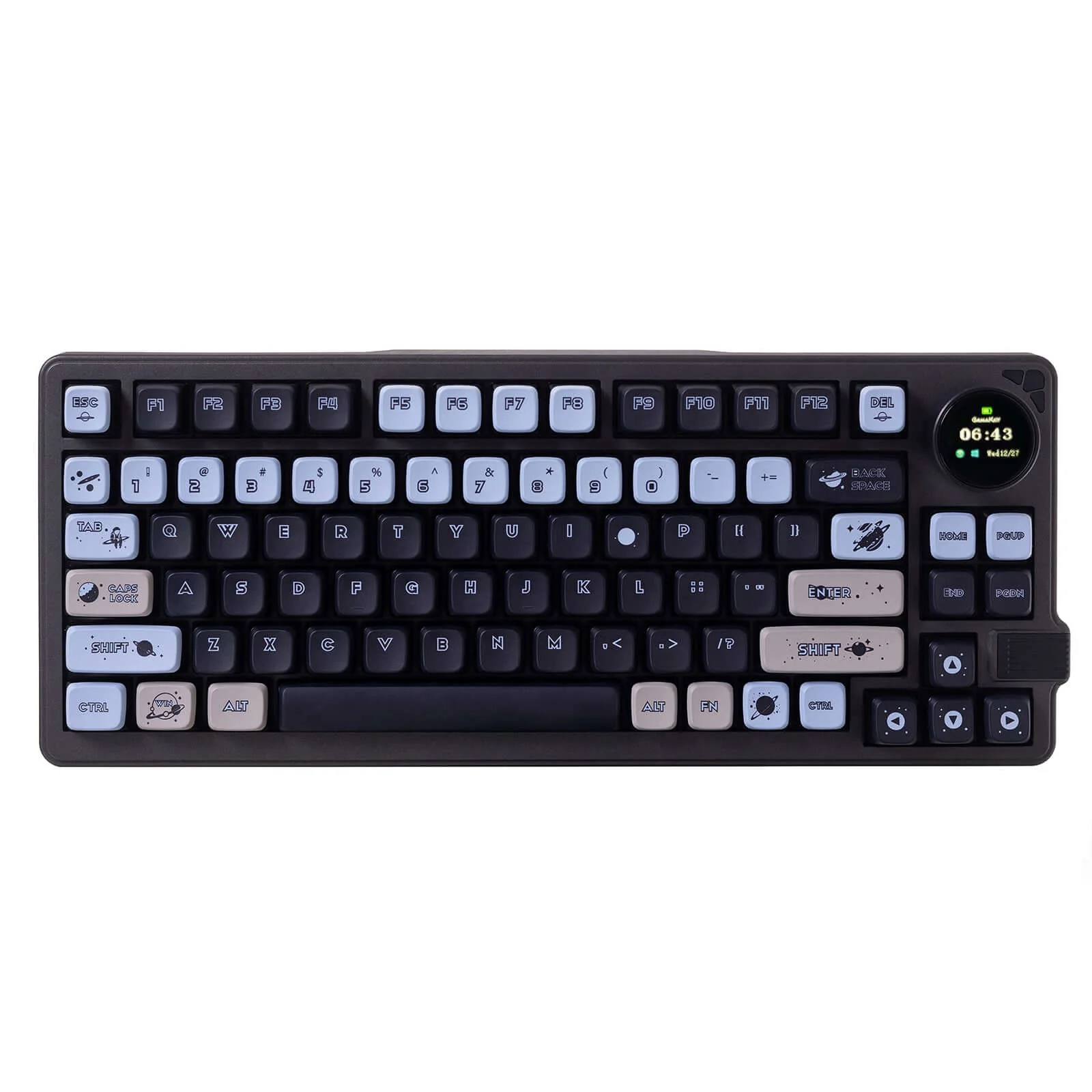
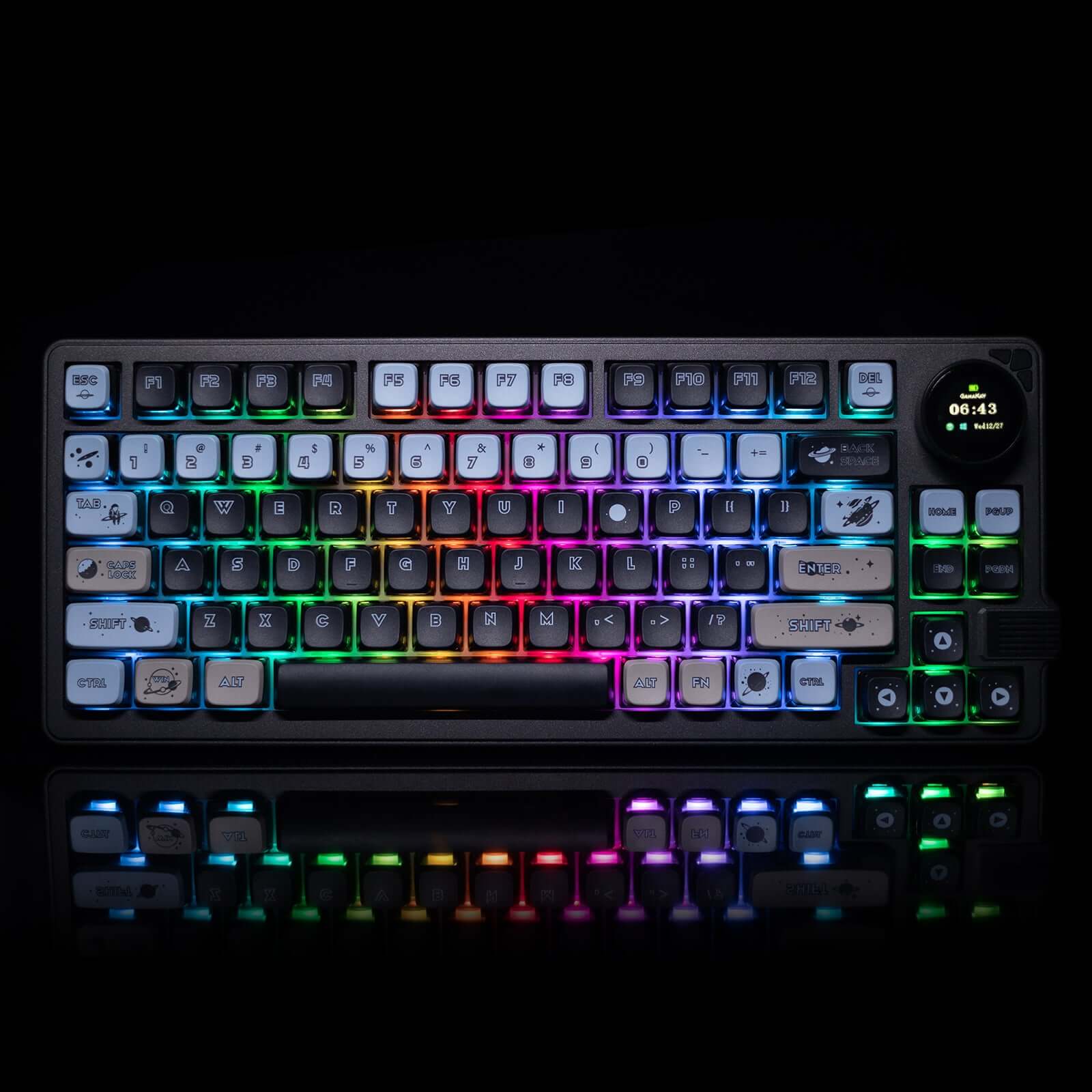
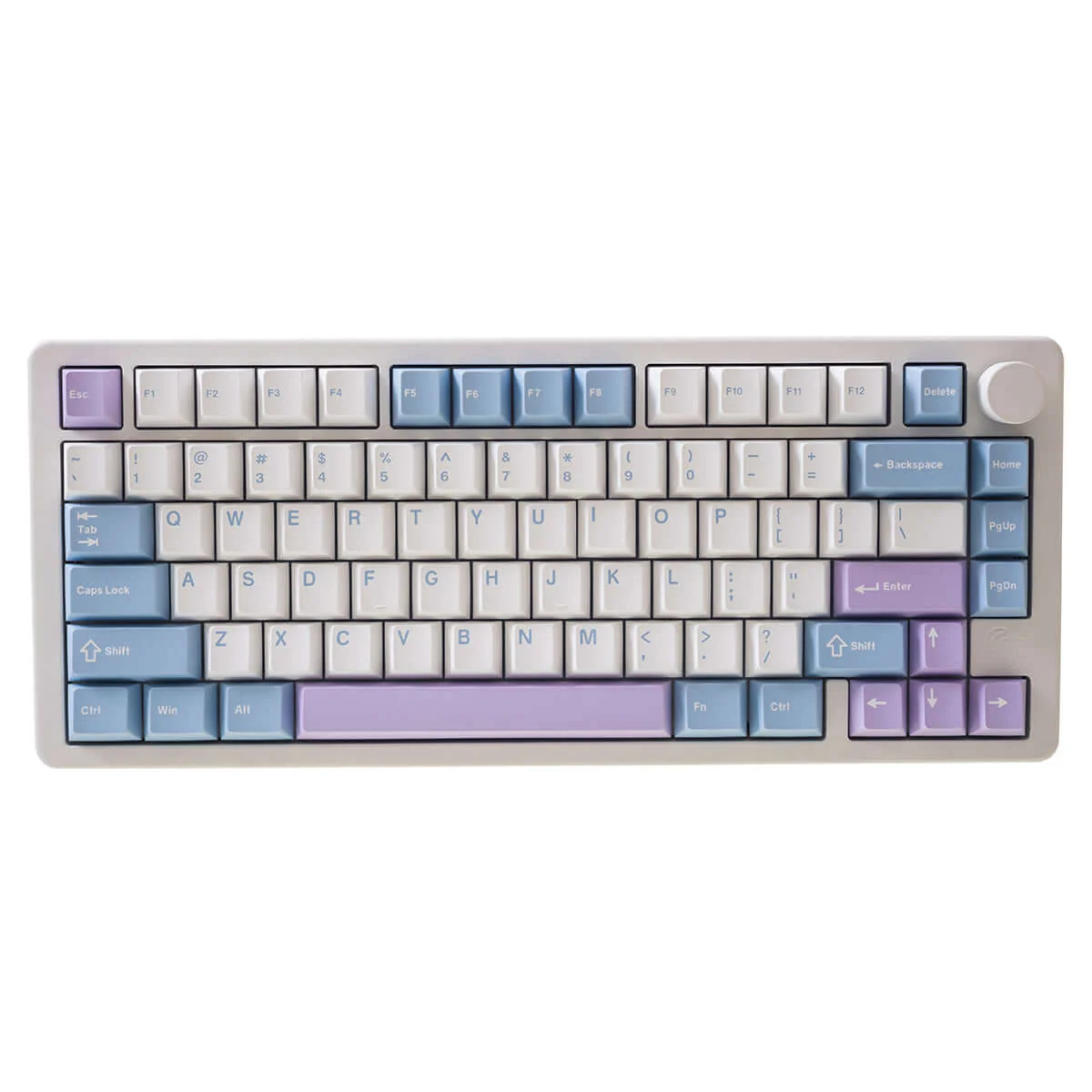
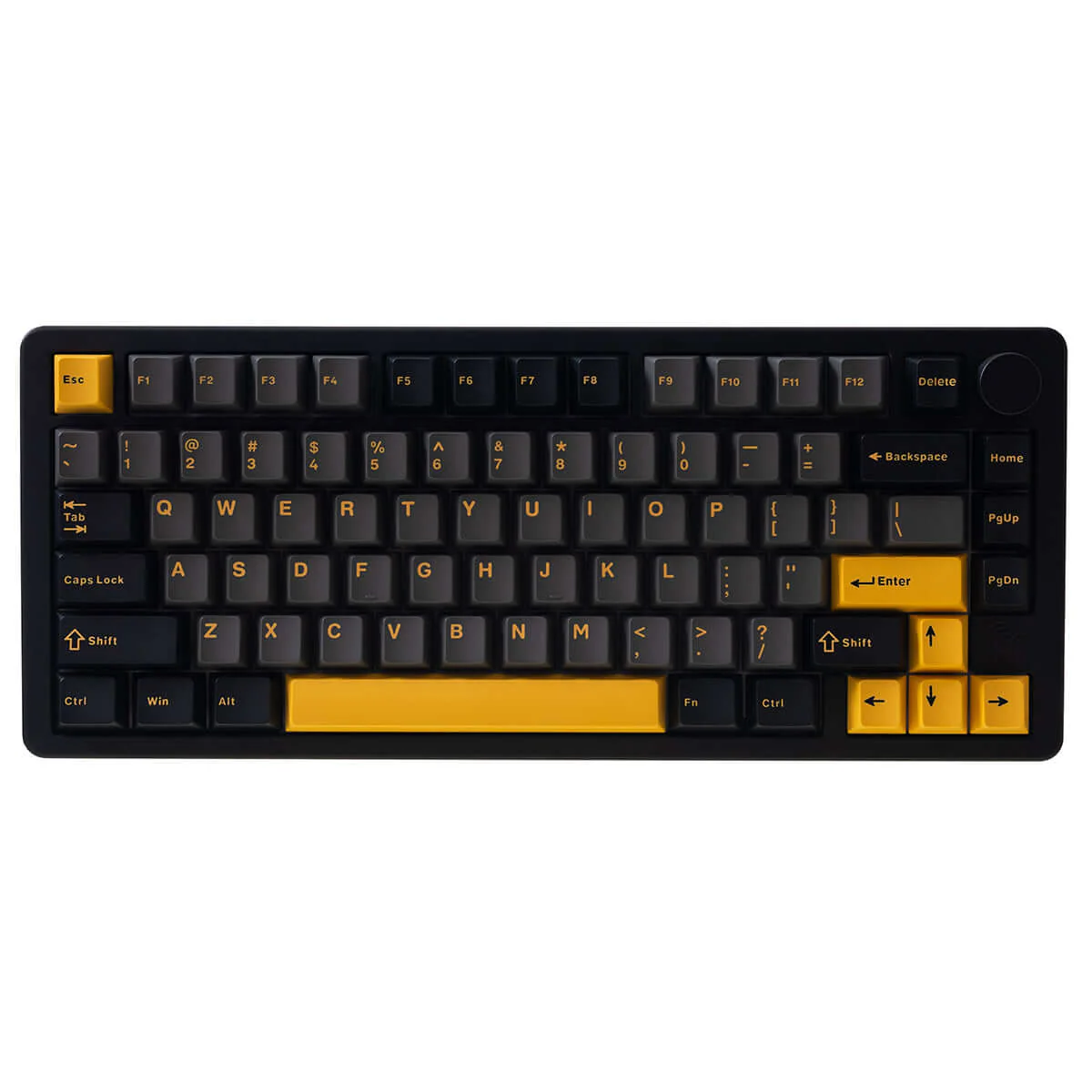
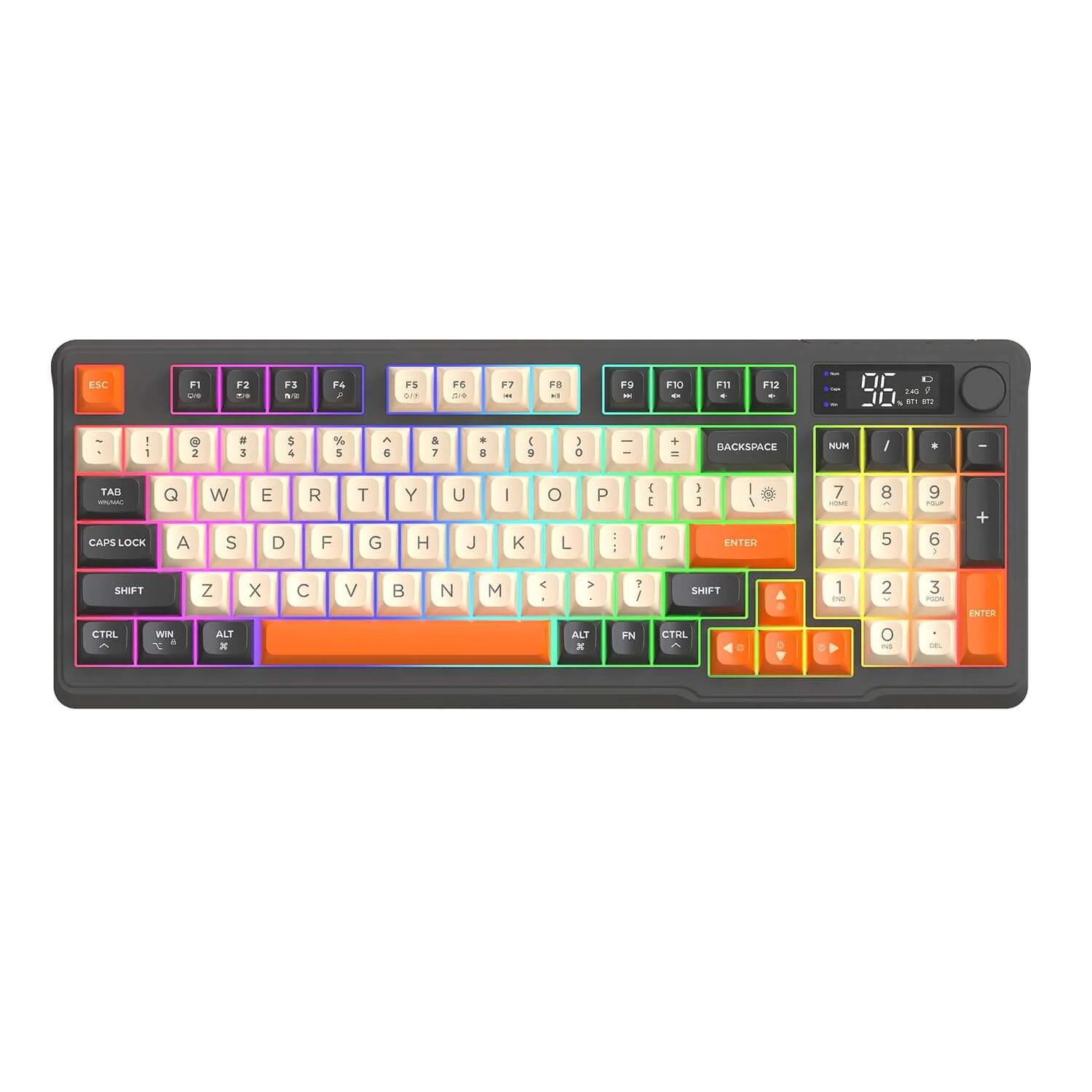
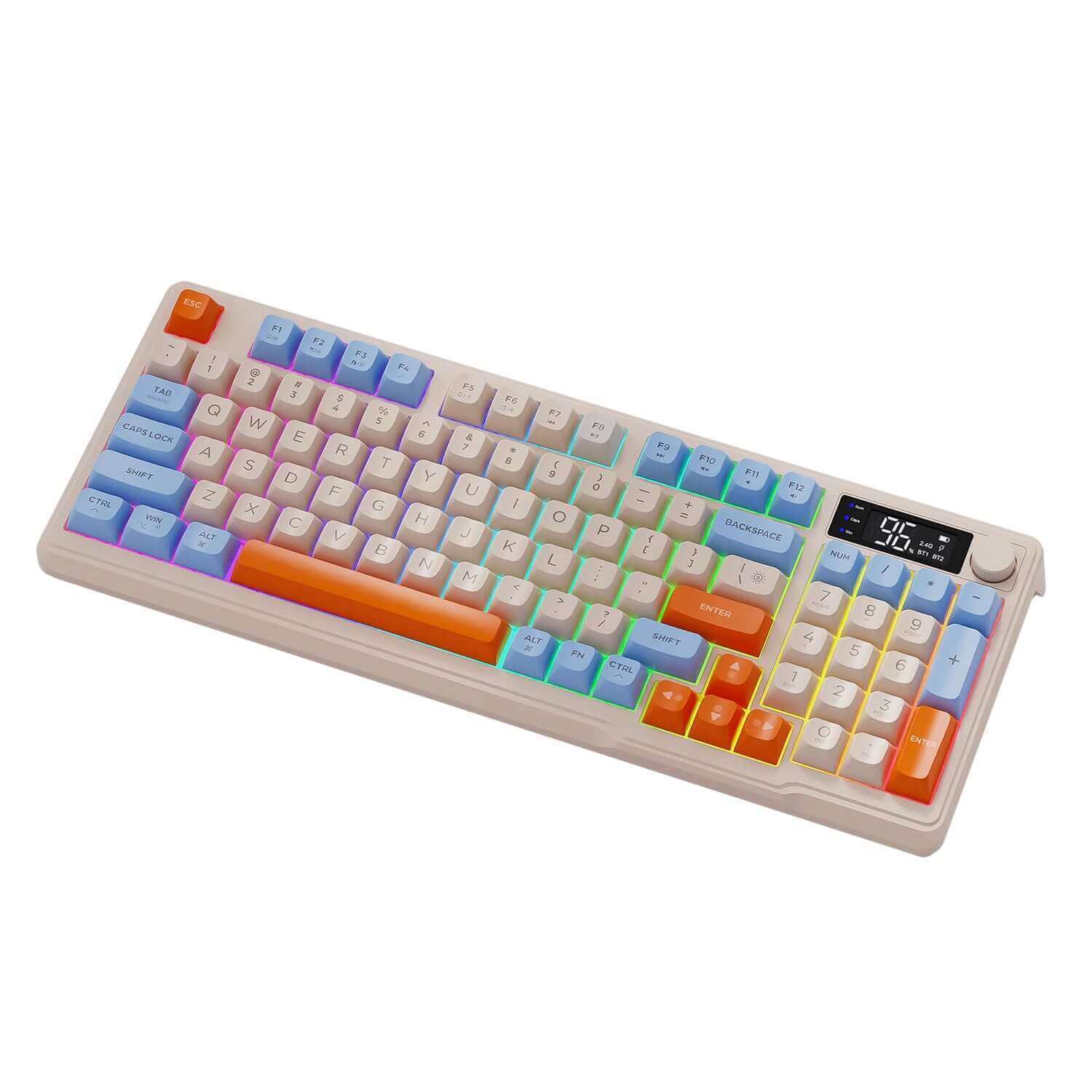
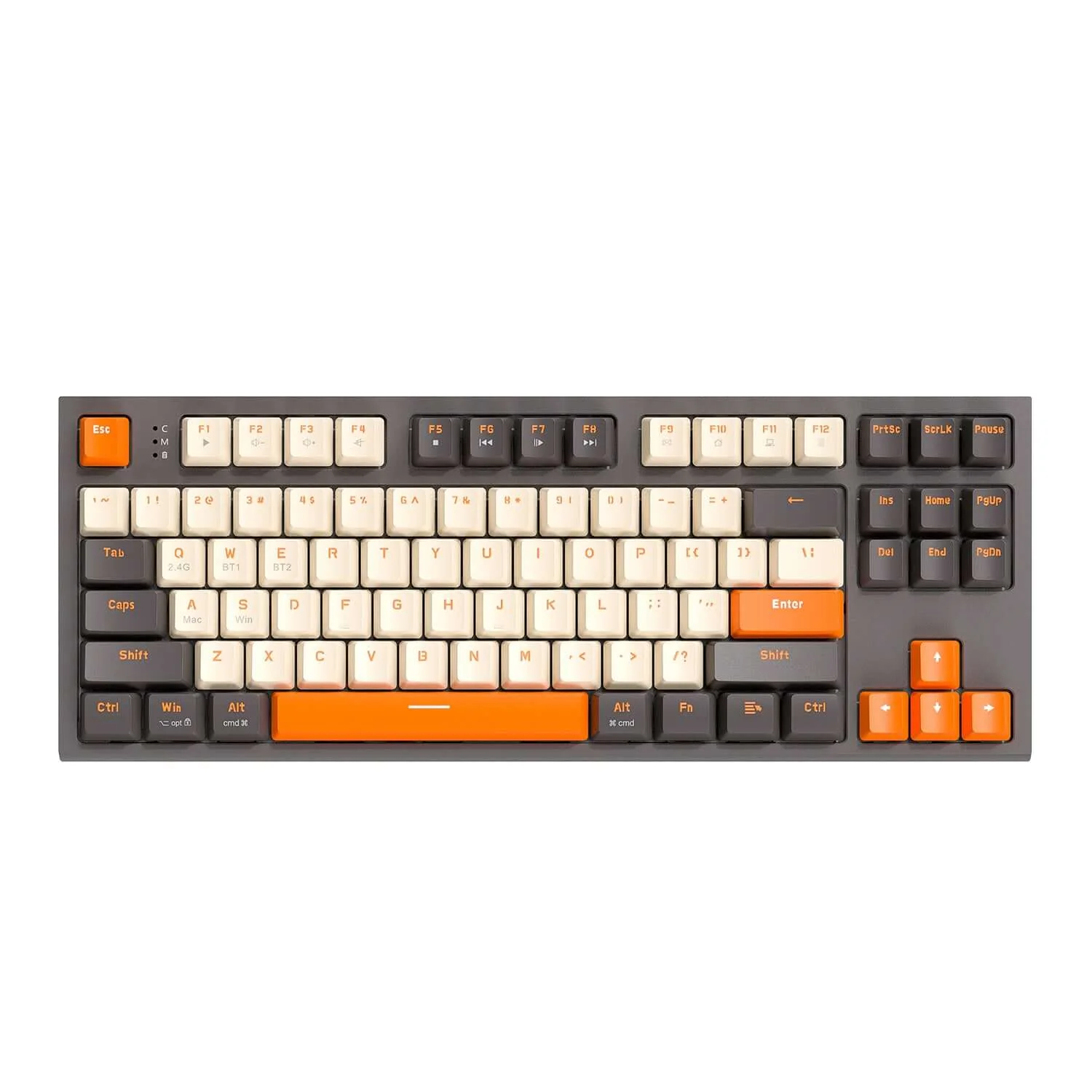
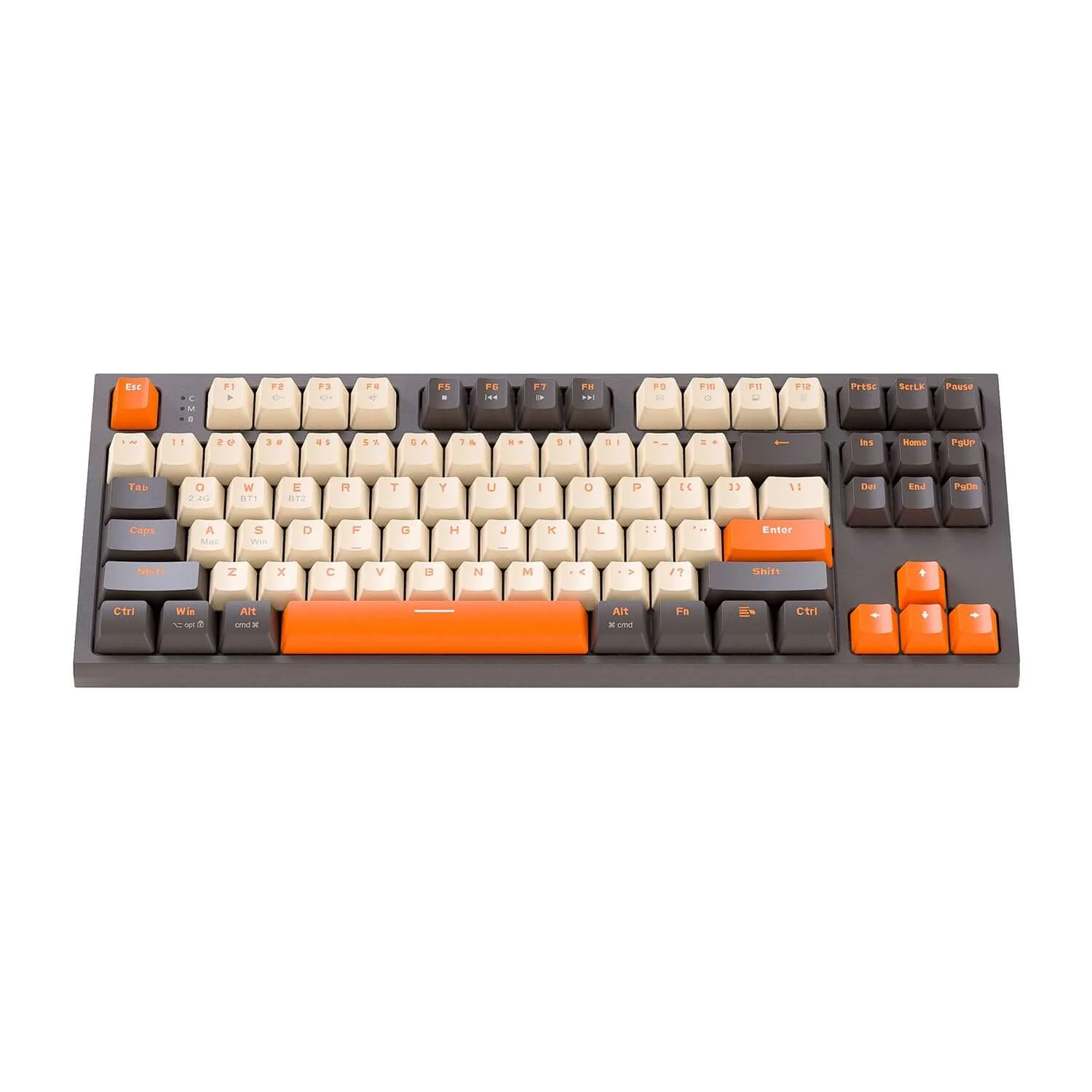
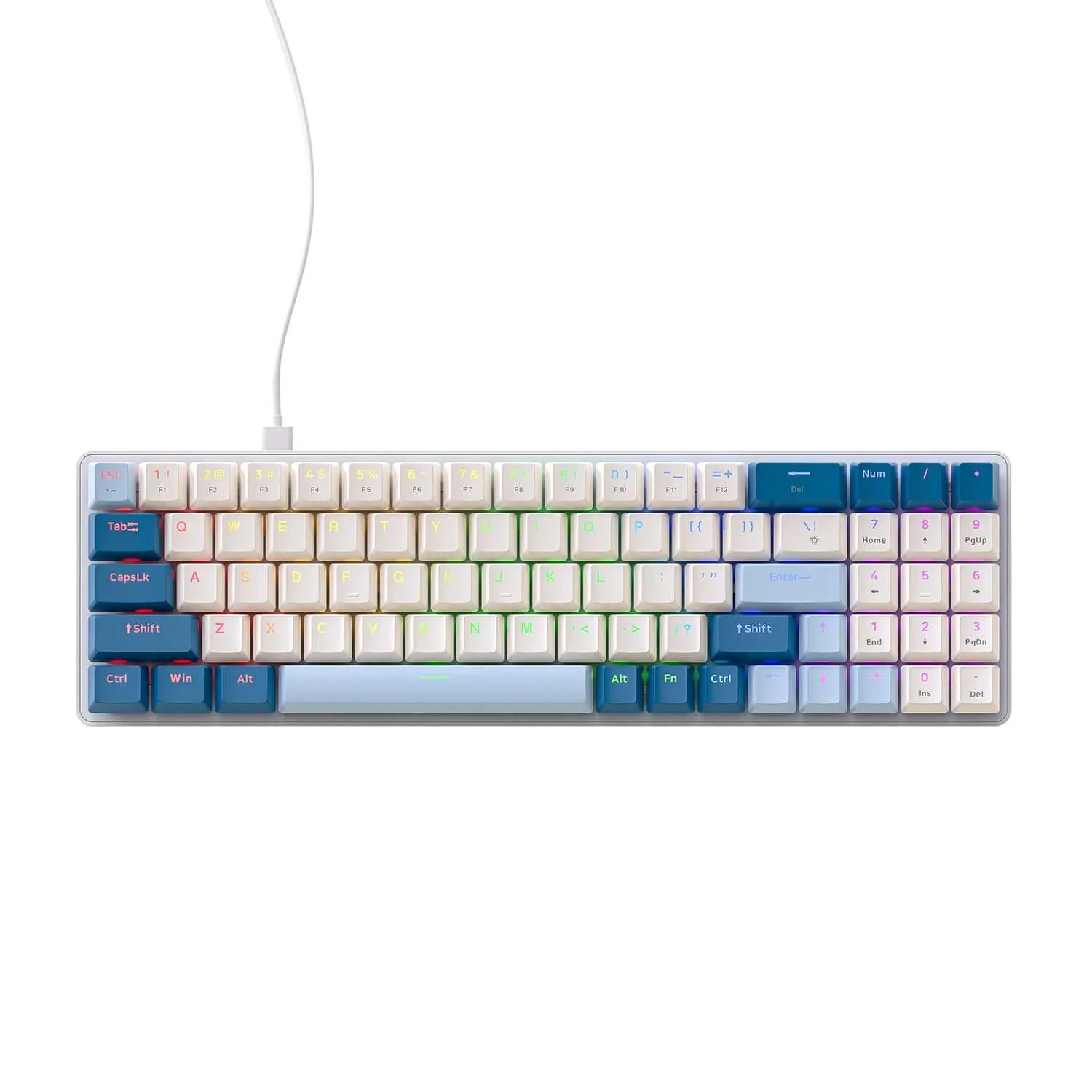
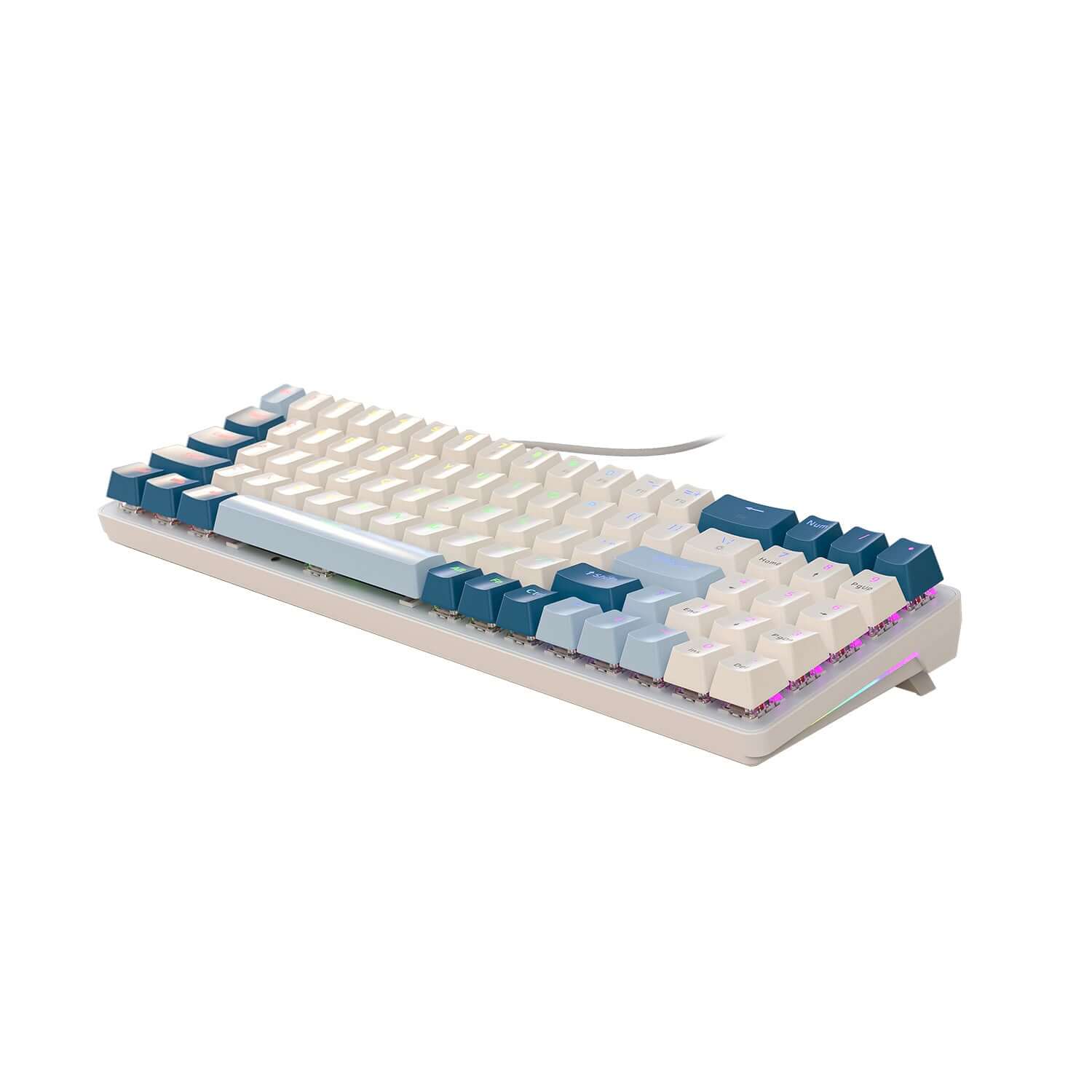
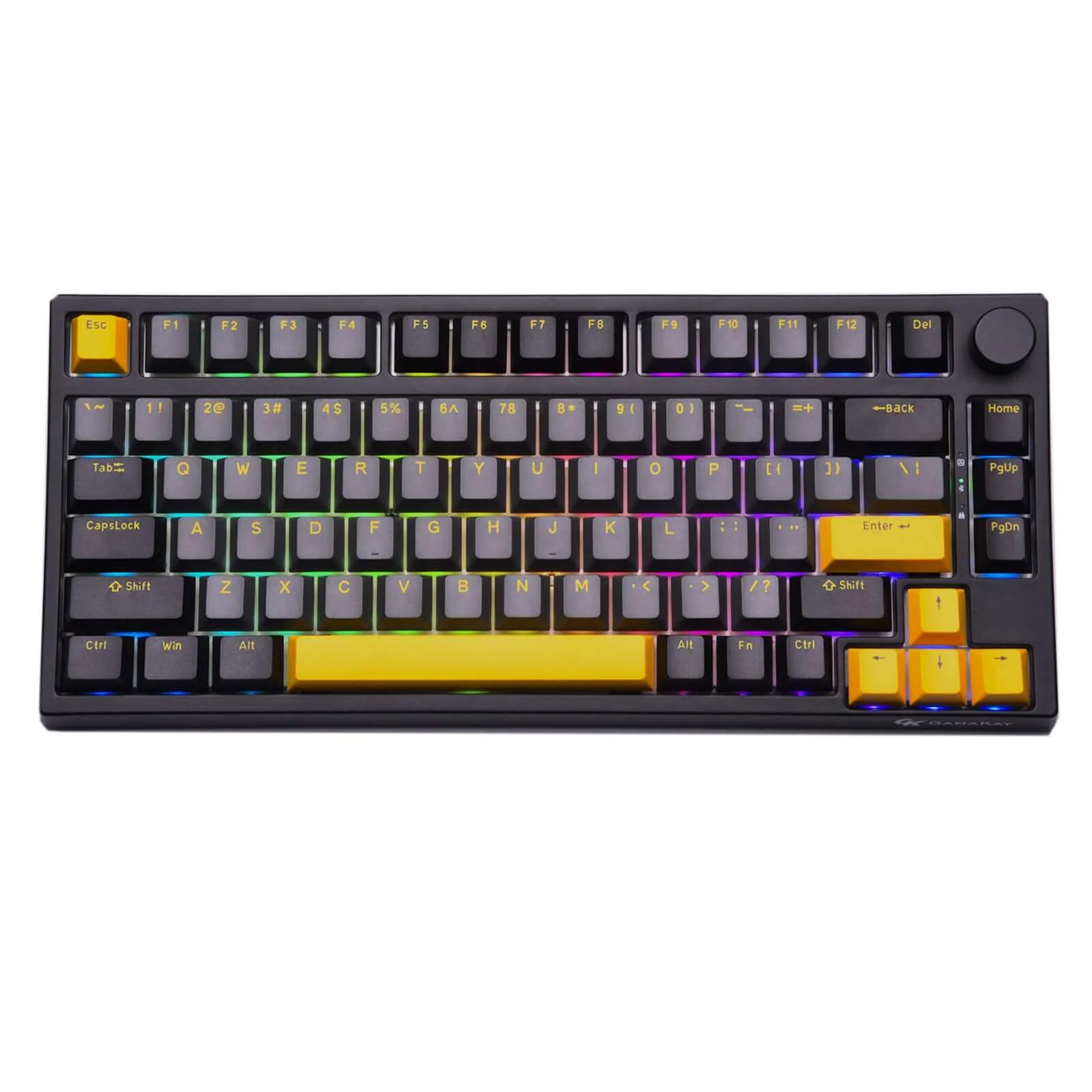
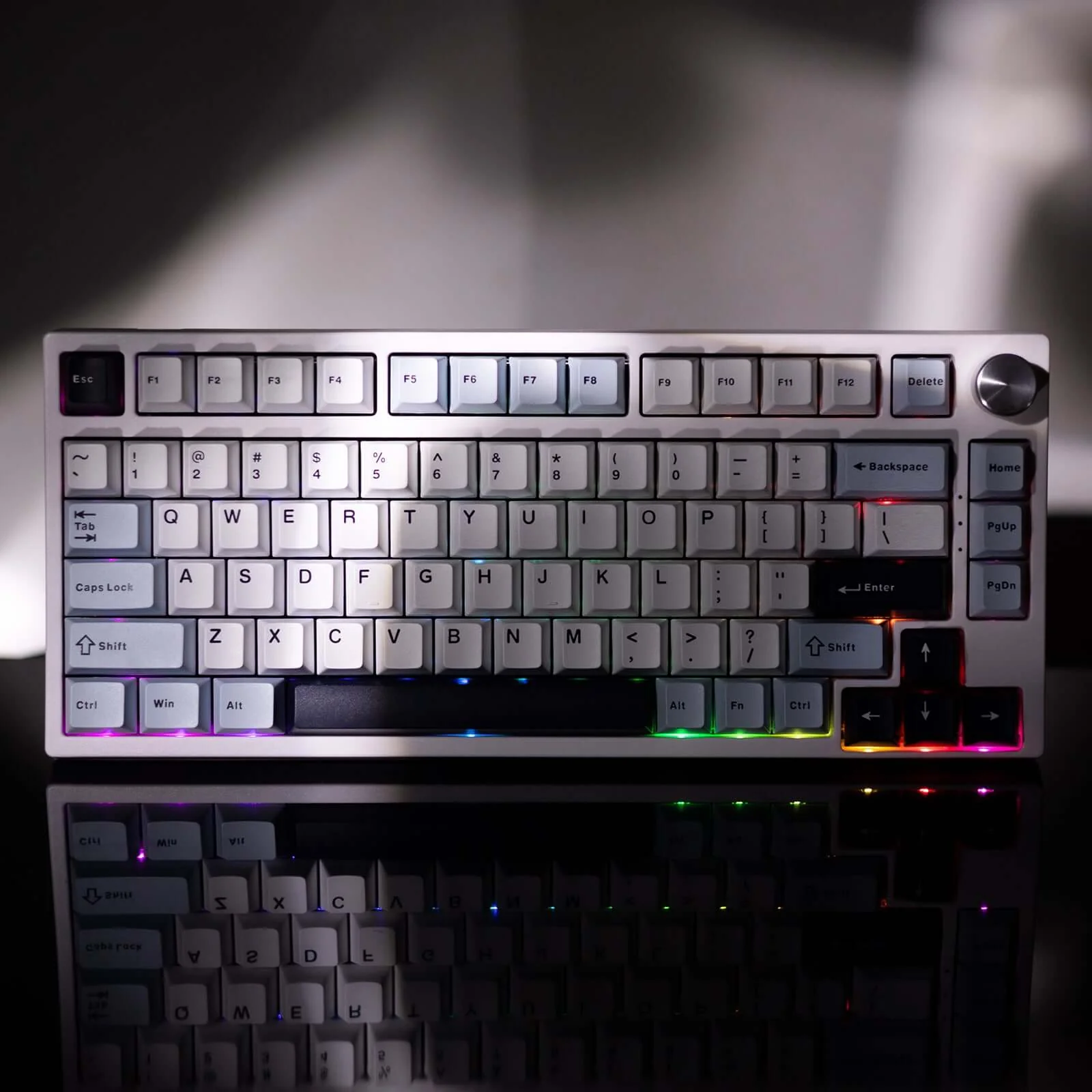
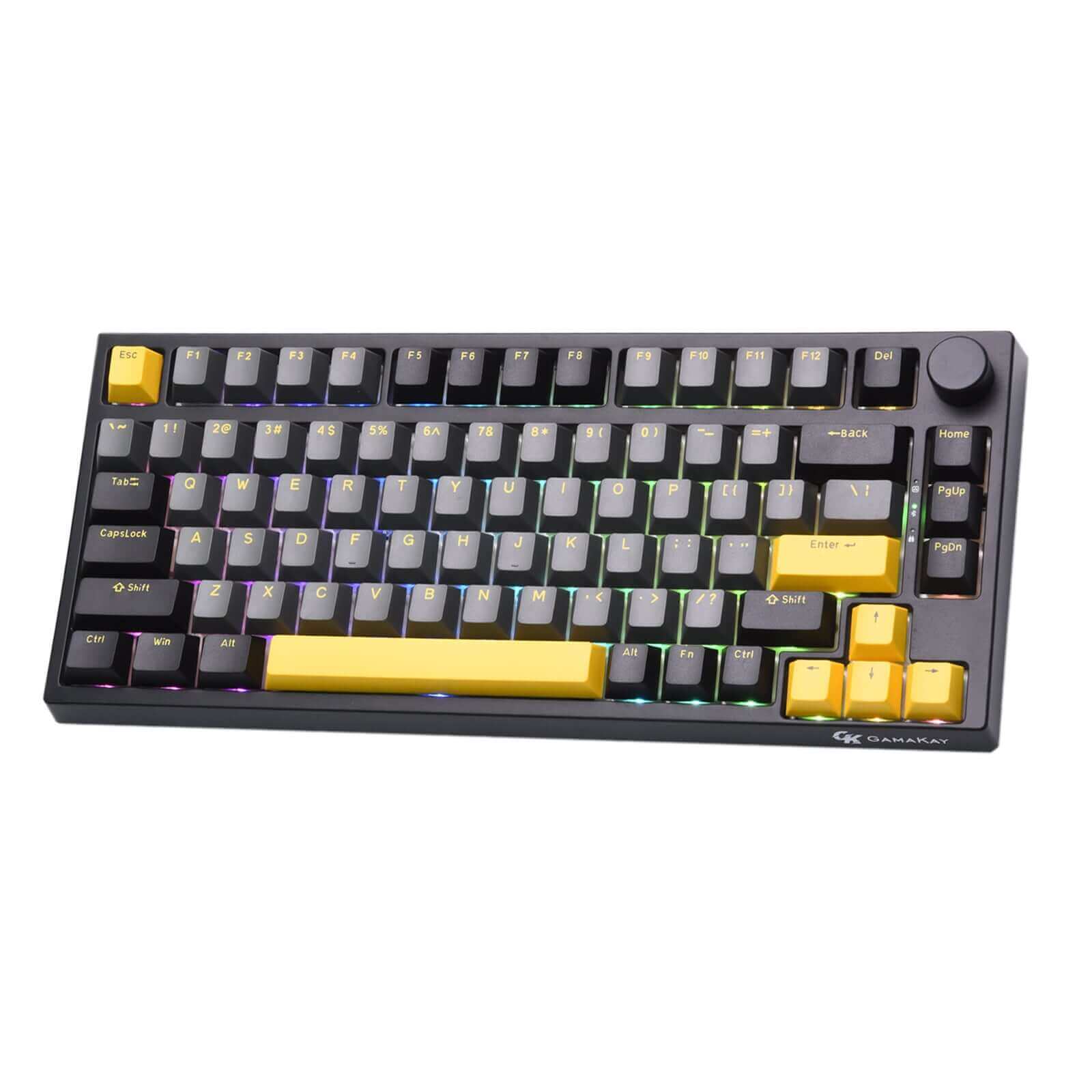
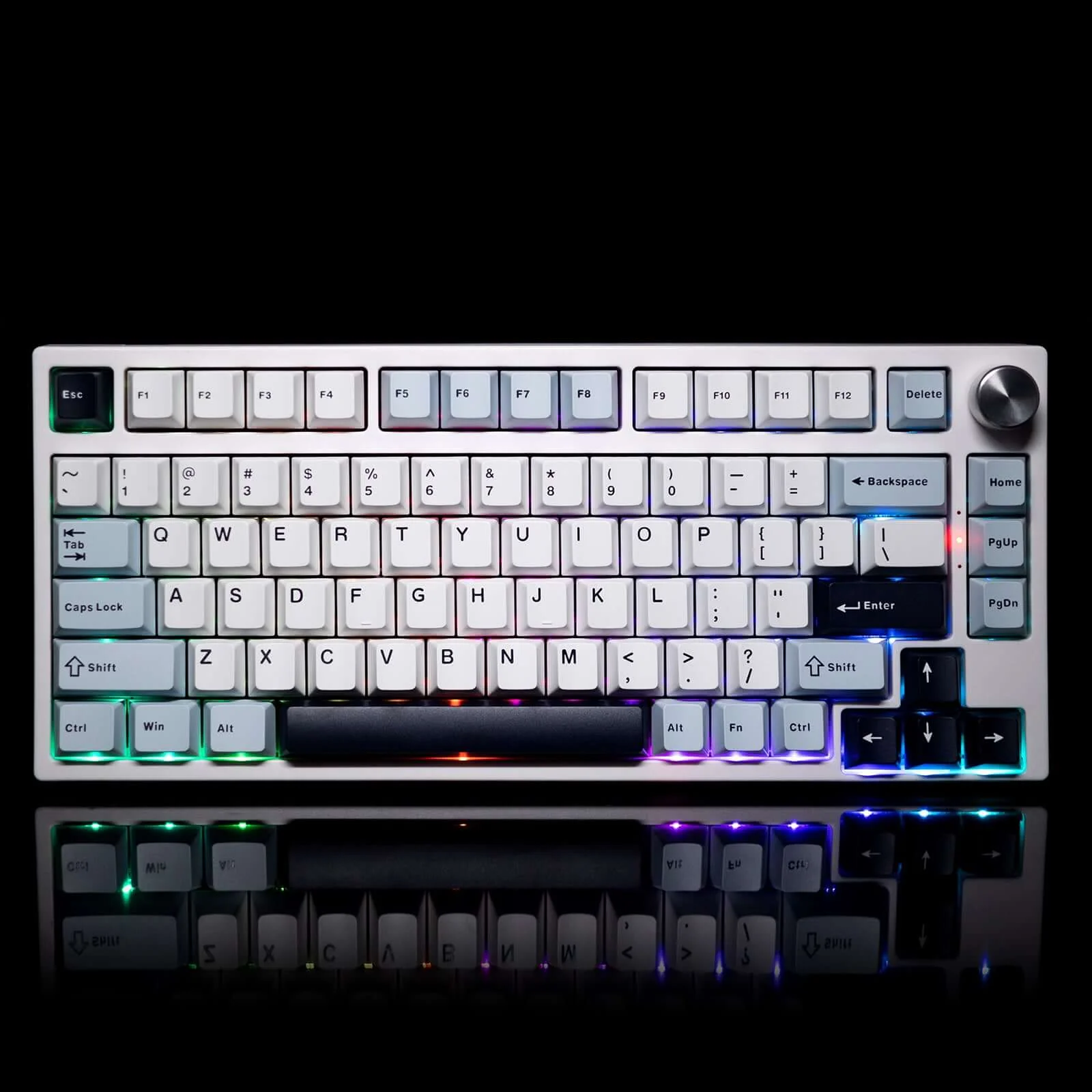
Gamakay TK75HE 75% Hall Effect Wireless Custom Keyboard
Gamakay Snap Tap
Using the software settings, prioritize the latest input between two selected keys without having to release the previous one, and enjoy more responsive inputs for near-instant directional changes in FPS games (latest TK68/75HE firmware update required)
What is Snap Tap
Gamakay Snap Tap Off
With the standard keyboard, no movement is registered where two opposing directions are detected. This causes your character to stop moving and remain stationary as long as those two keys remain activated. The other key must first be released to register any direction.
Gamaky Snap Tap On
With Snap Tap on, the last input will be registered as the priority if two opposing directions are detected. This means your character will no longer stop moving in the heat of battle when two opposing directional keys are pressed. Instead, you can change directions instantly without releasing the previous key.
How to use Snap Tap on Gamakay's keyboard
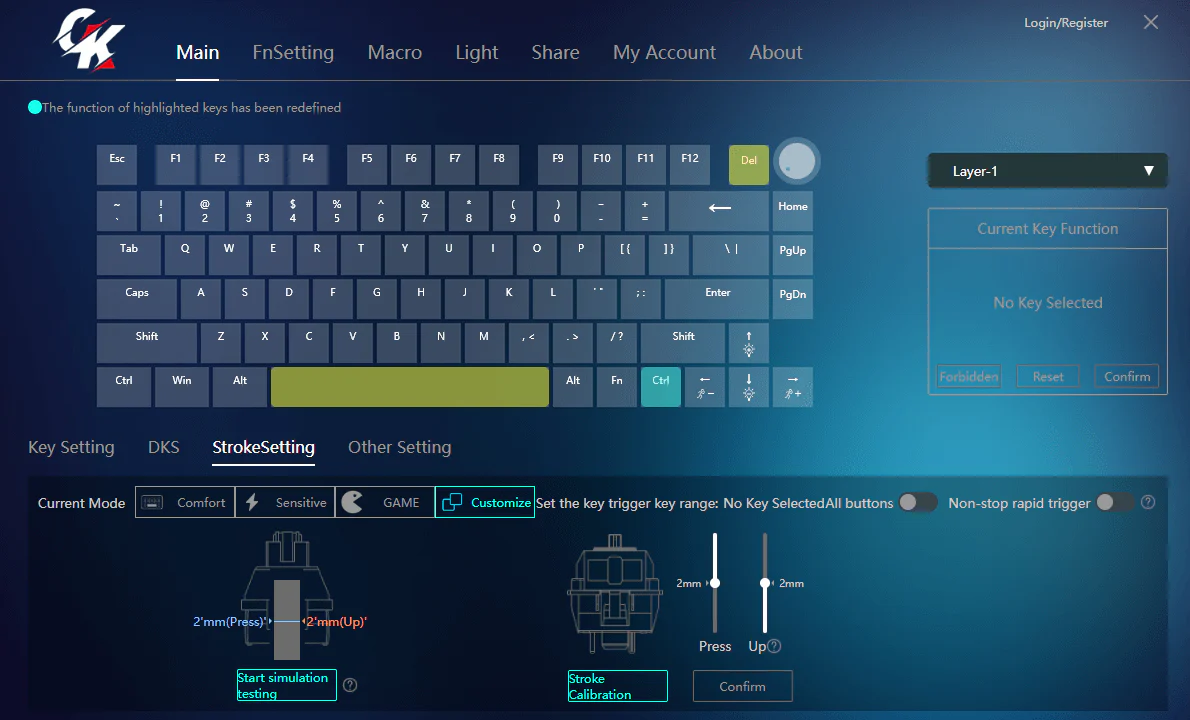
Gamakay Snap Tap is available on our TK68/75HE keyboards and can be easily toggled via Gamakay Software.
To achieve the best experience with the Gamakay Snap Tap, ensure the TK68/75HE firmware and Gamakay Software have been updated to the latest versions. If you require any further assistance, please visit the Support page.
https://gamakay.com/pages/downloads
You can also buy our Gamakay NS68 Hall effect keyboard and TK75HEV2 to directly use the snap tap function without upgrading.


Features:
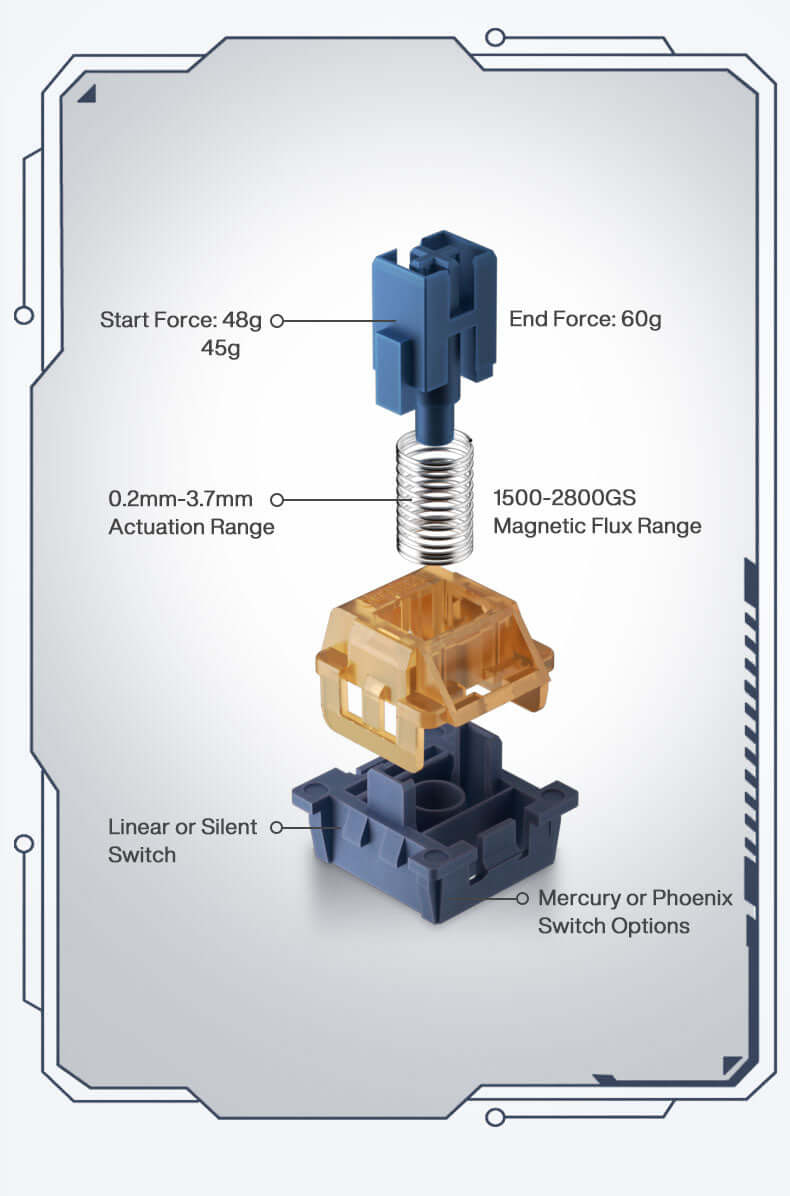
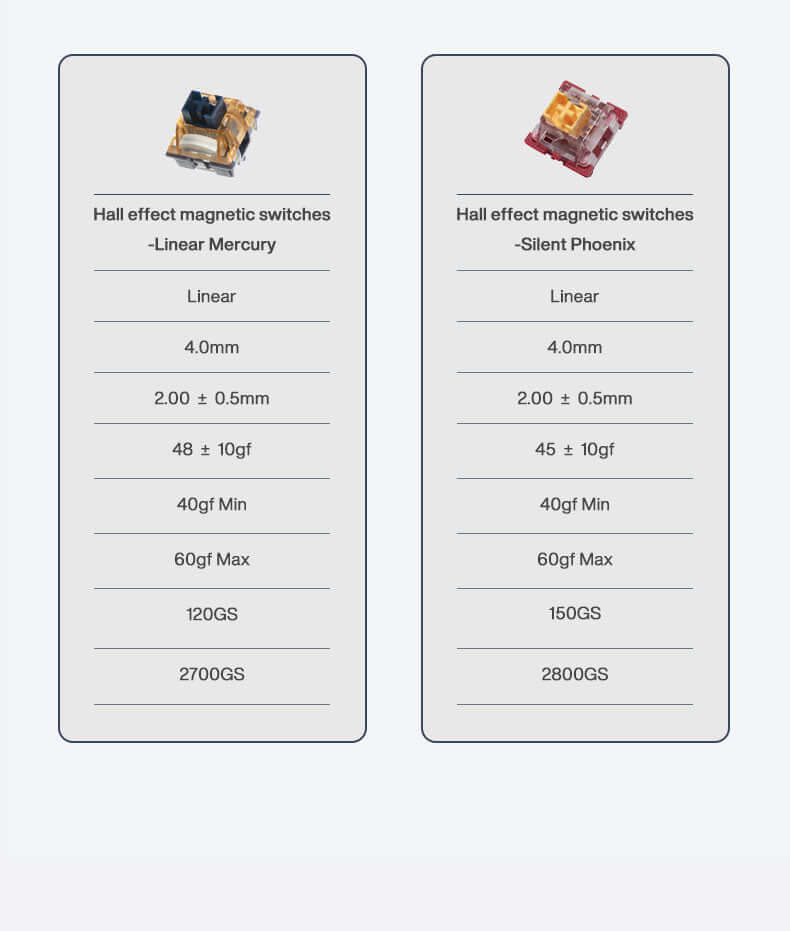
1. Hall Effect Switches: The keyboard has Gamakay's custom Linear Mercury and Silent Phoenix Hall Effect magnetic switches, offering a unique and responsive typing experience.
|
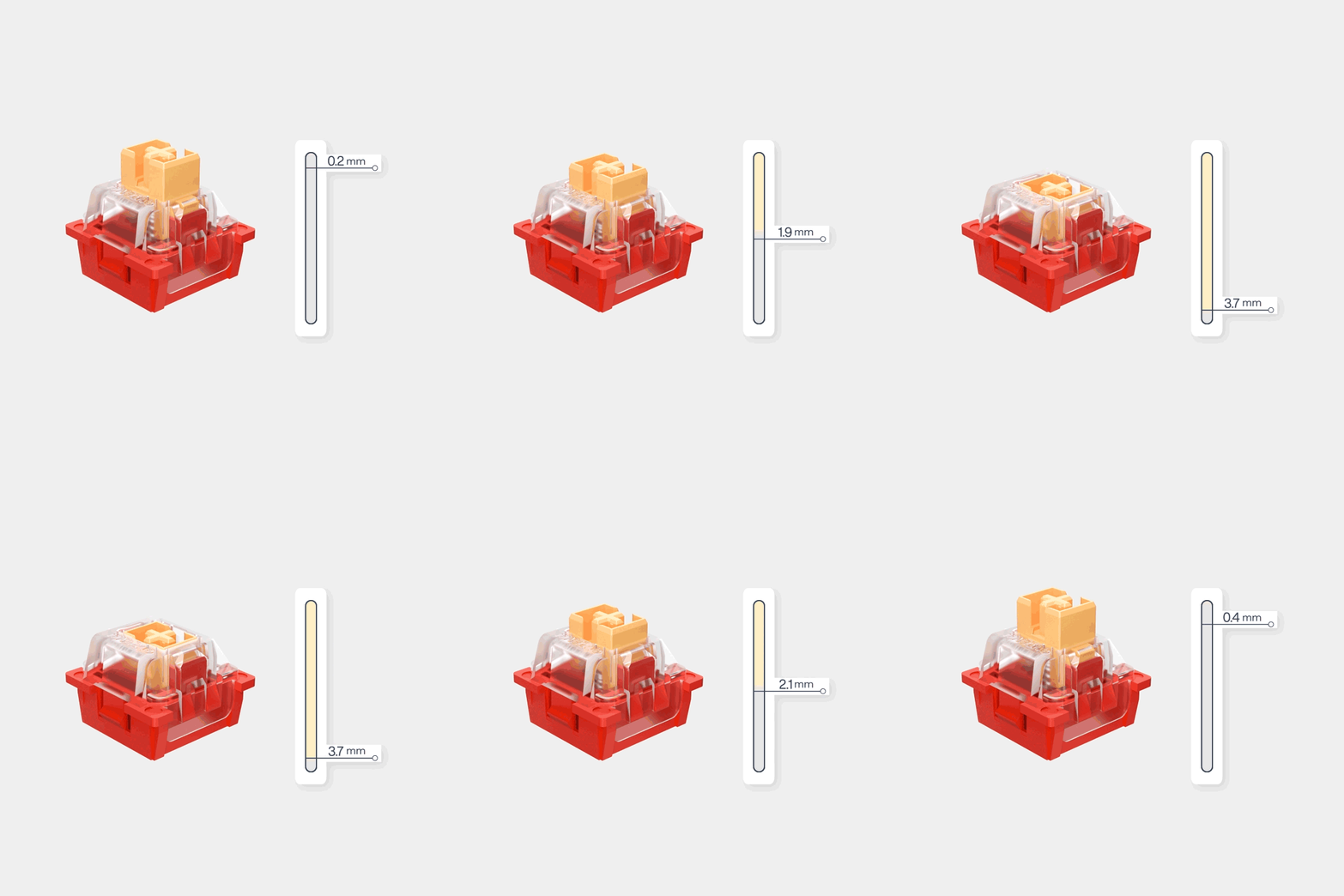
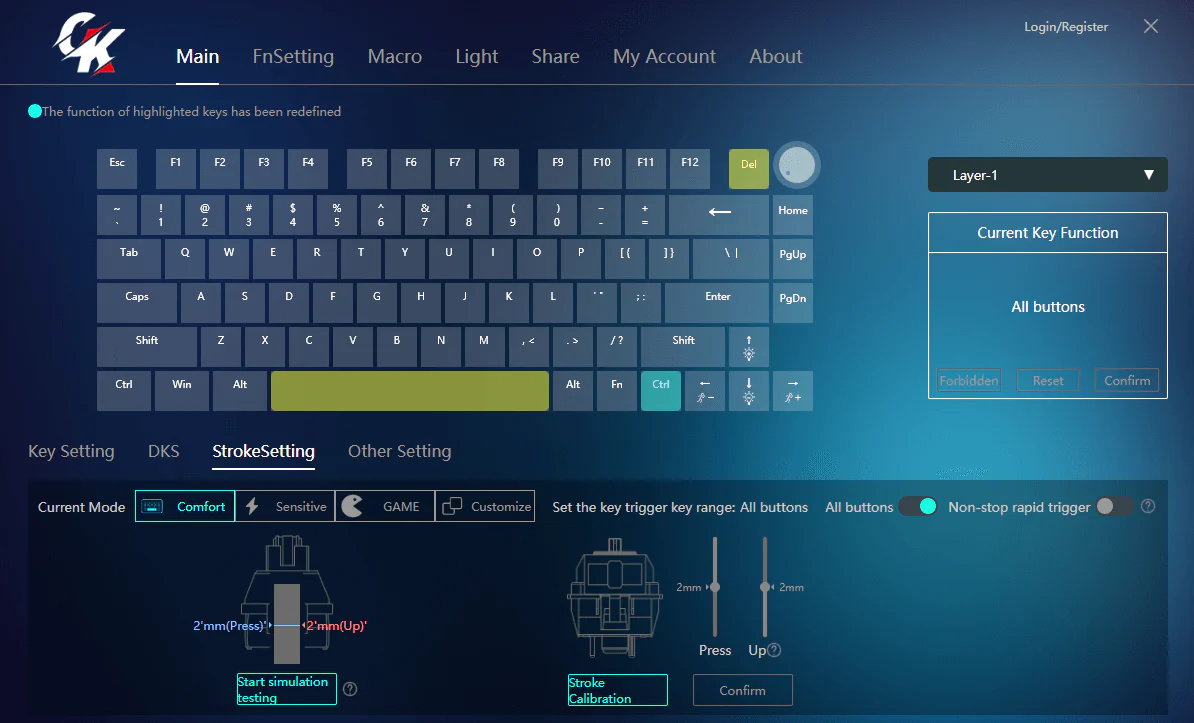
Adjustable Actuation Point Rapid Trigger: This feature allows keys to be activated or deactivated based on their travel distance rather than a fixed point, providing more responsive and precise control. This can be particularly beneficial in games that require quick and accurate keystrokes. Customizable Trigger Points: Each key's trigger point can be customized to meet your specific needs, and the keyboard is equipped with an automatic calibration function to ensure precision. |
 |
|
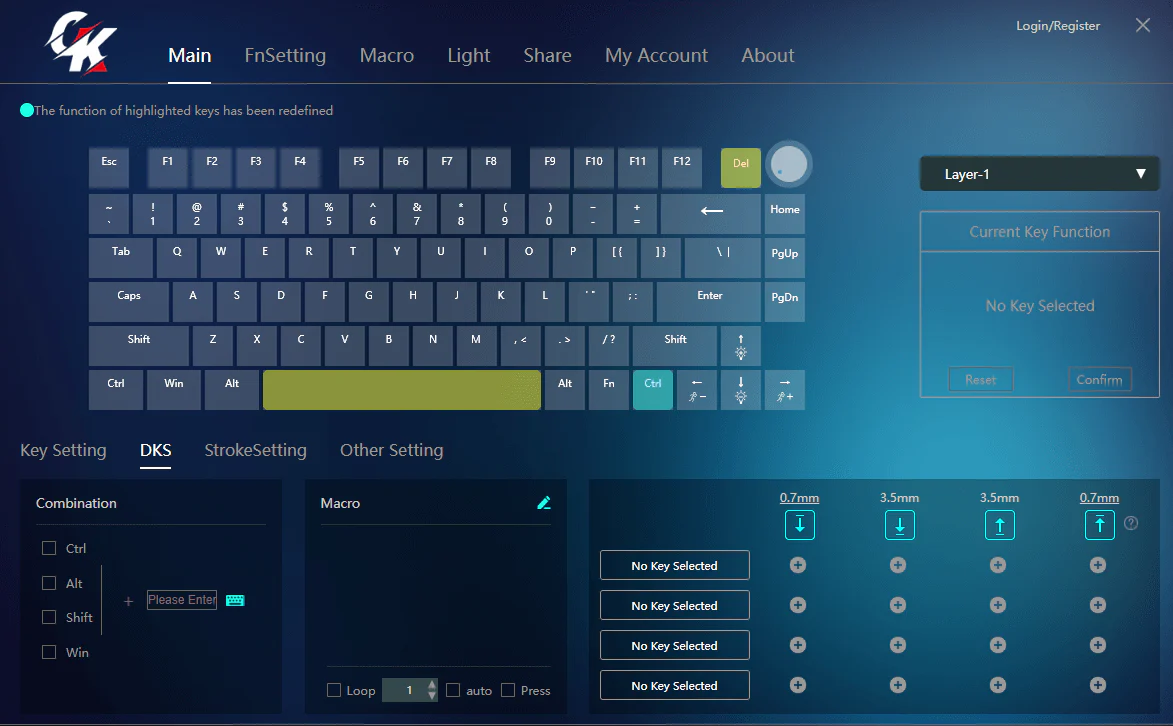
3. Dynamic Keystroke (DKS): This powerful feature allows you to incorporate up to four actions within a single keystroke, similar to a macro but without the automation. This provides a level of customization and control that can enhance gameplay and productivity 4. Travel Distance Setting: The keyboard allows you to adjust the travel distance of keys from 0.2-3.7mm, providing a level of customization to suit your typing style and preferences |

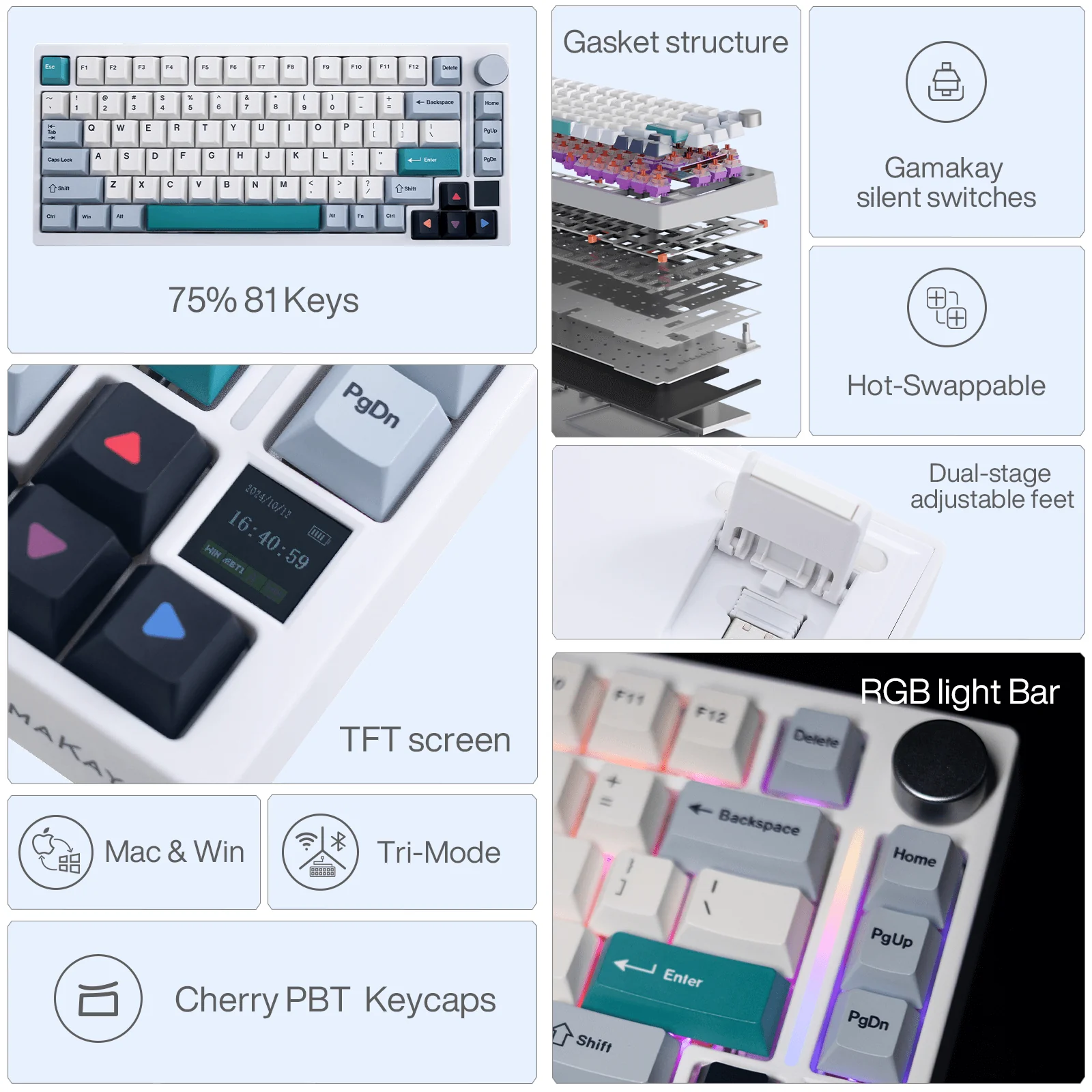
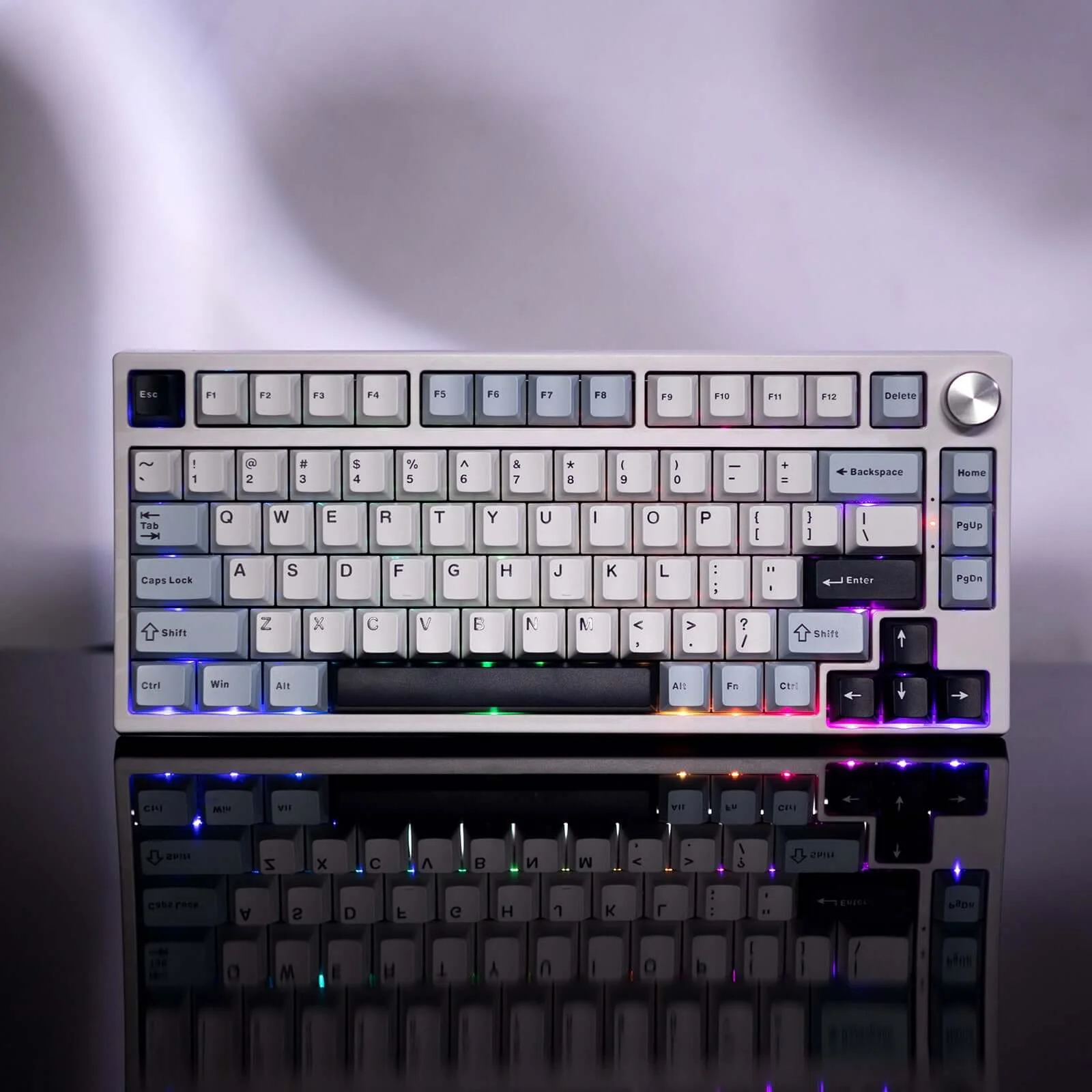
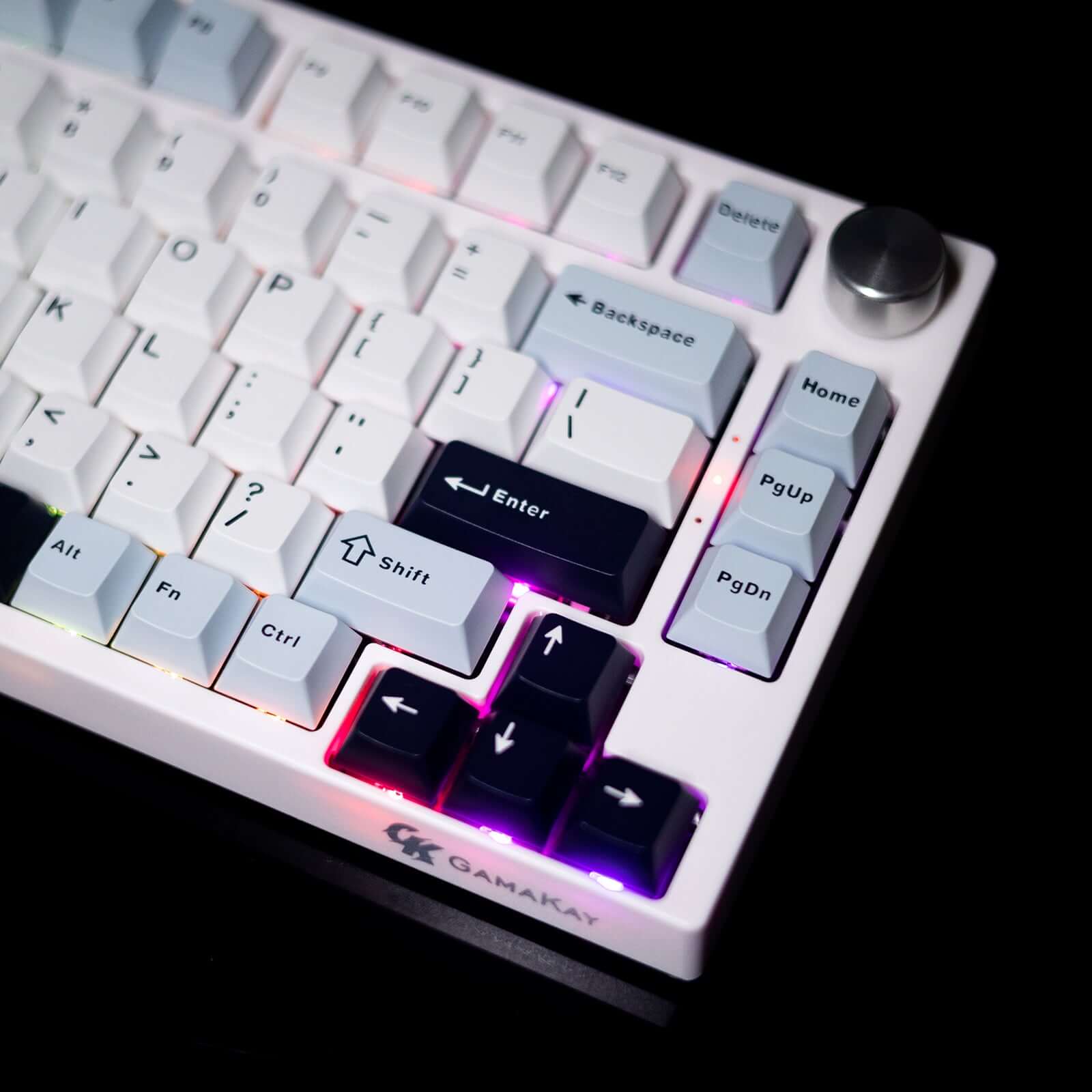
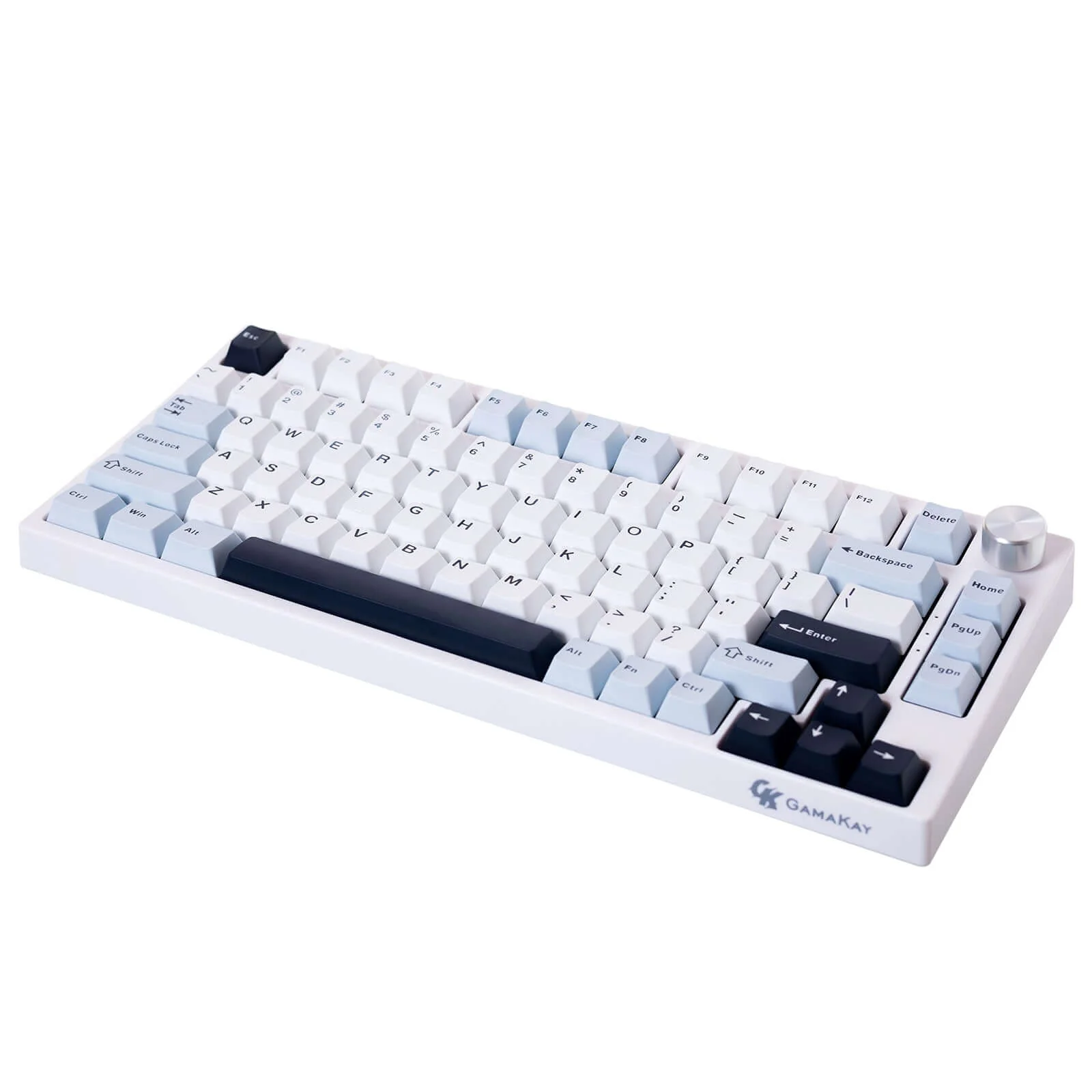
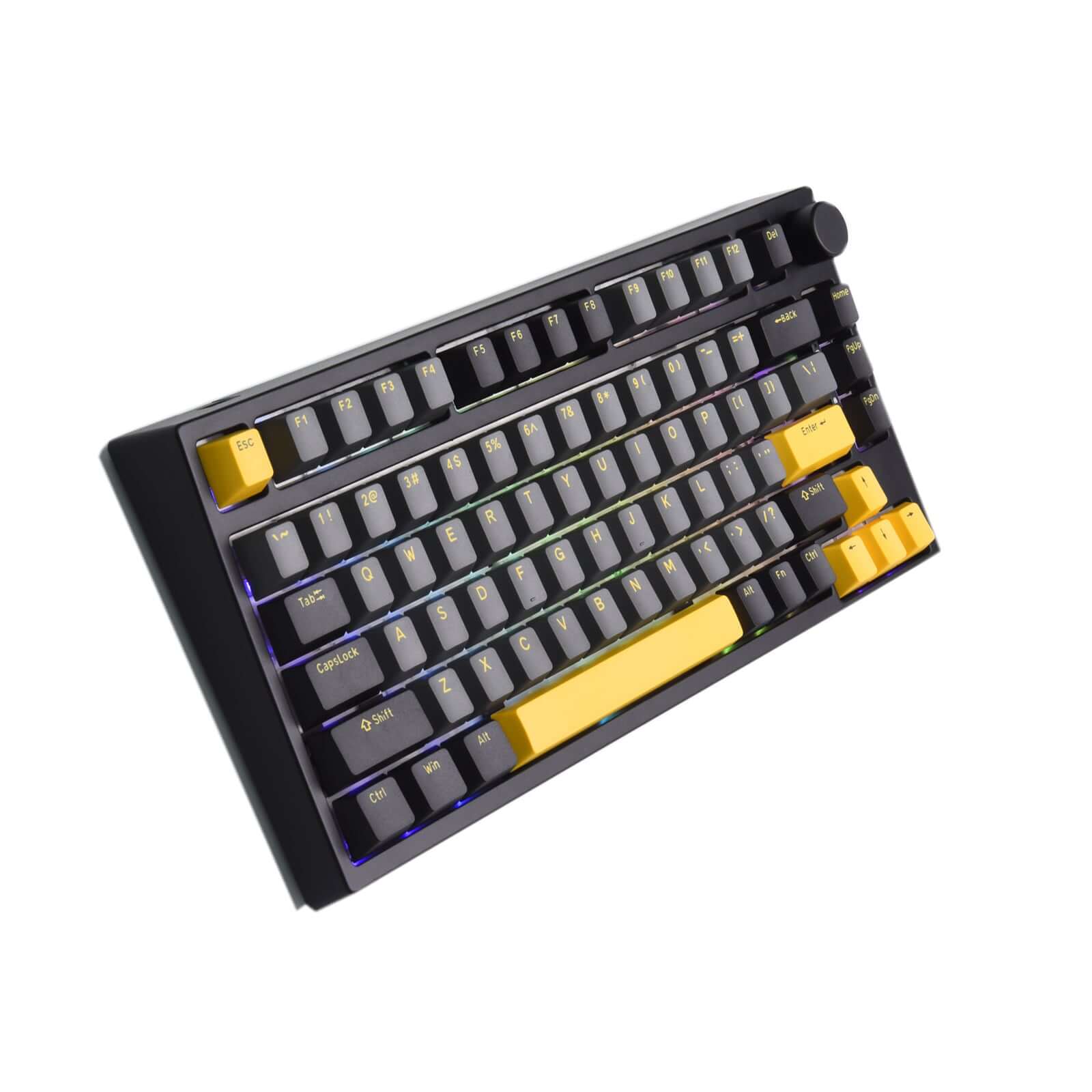
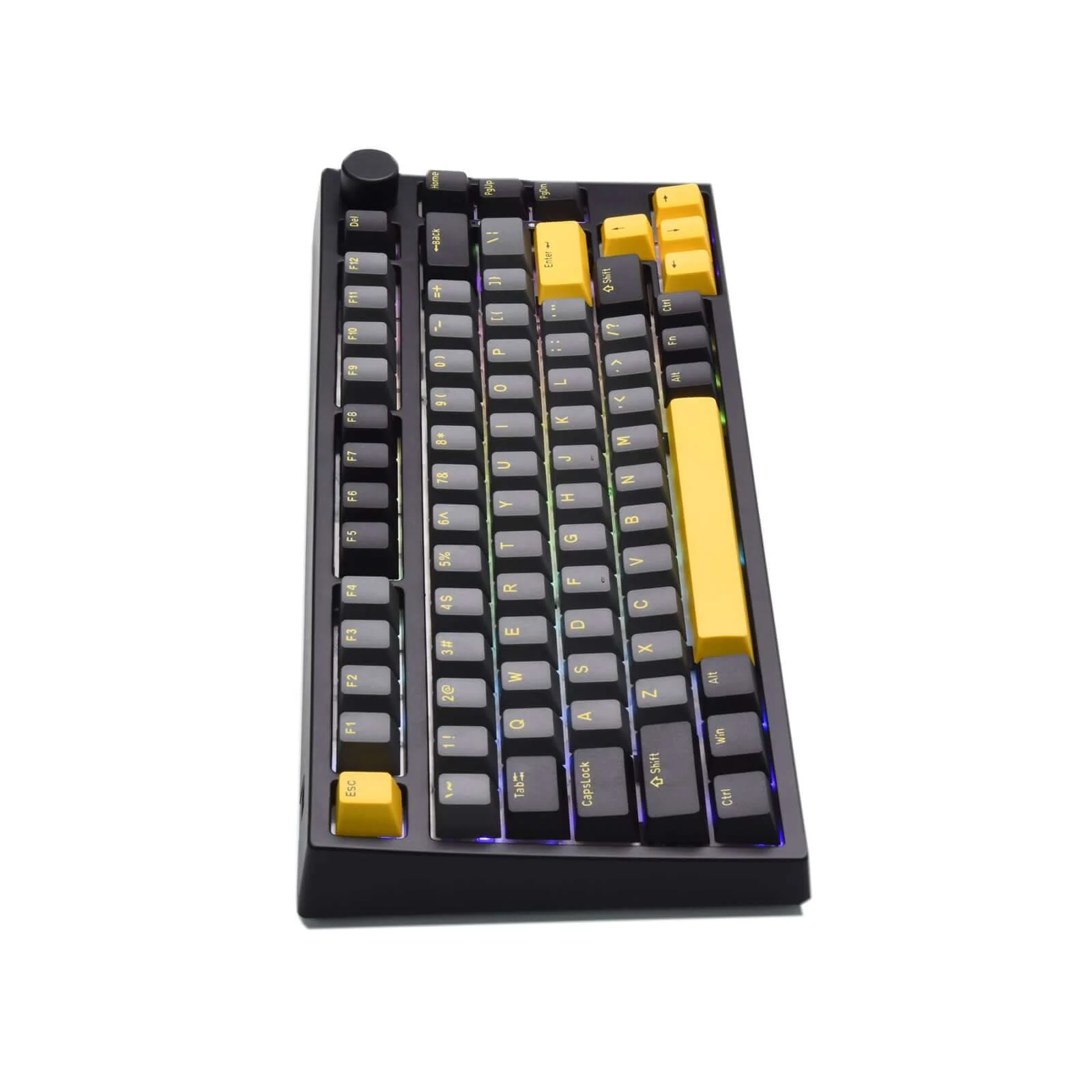
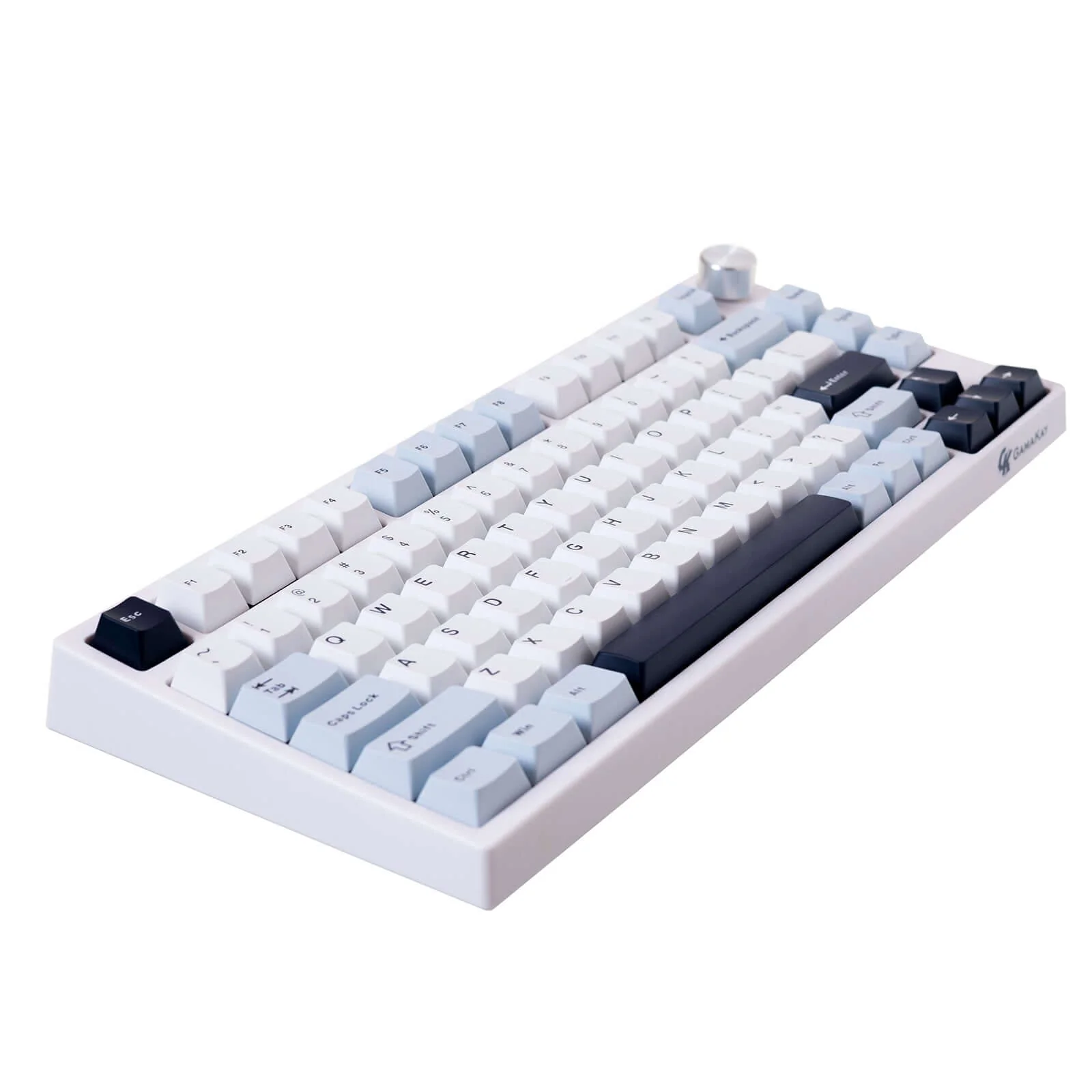
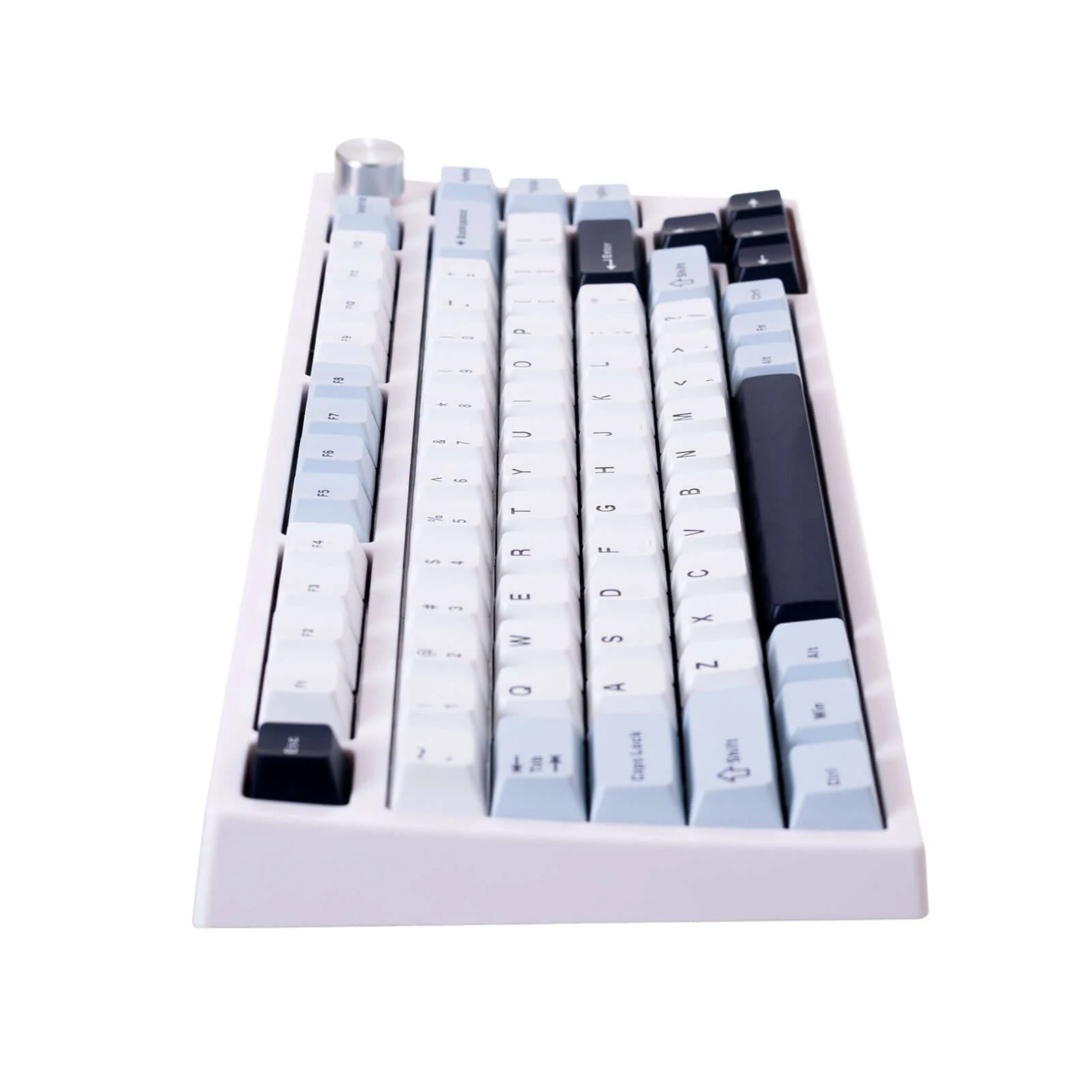
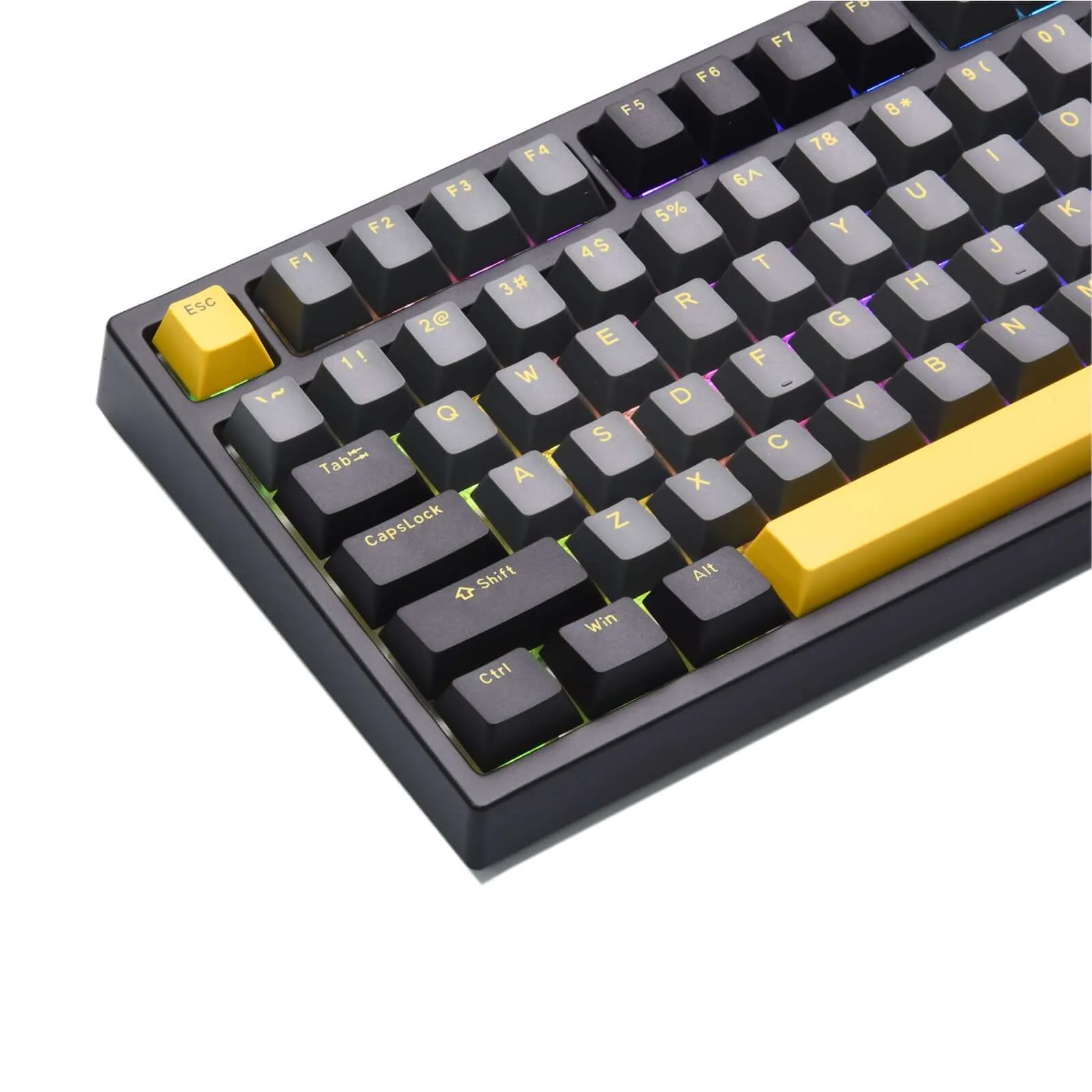
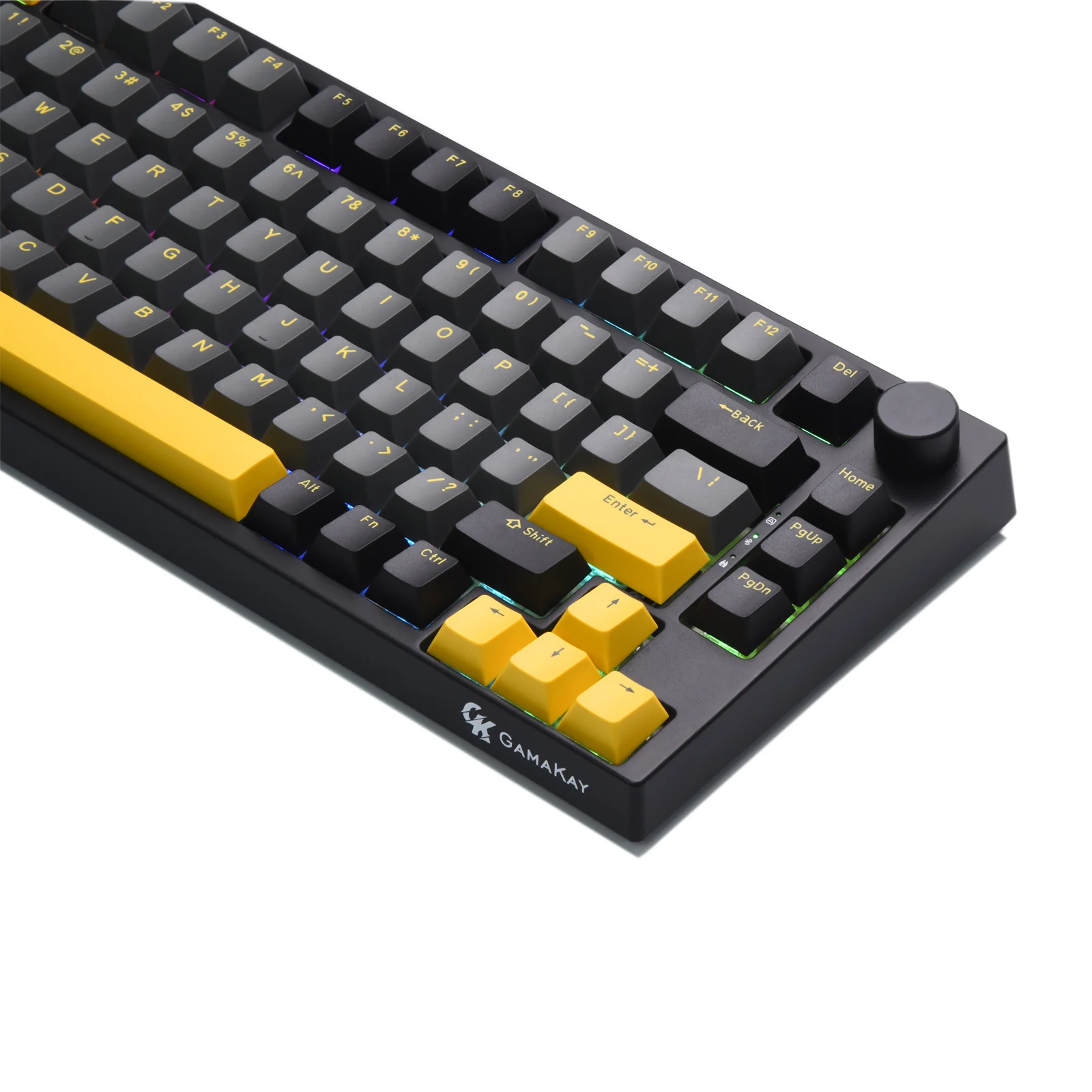
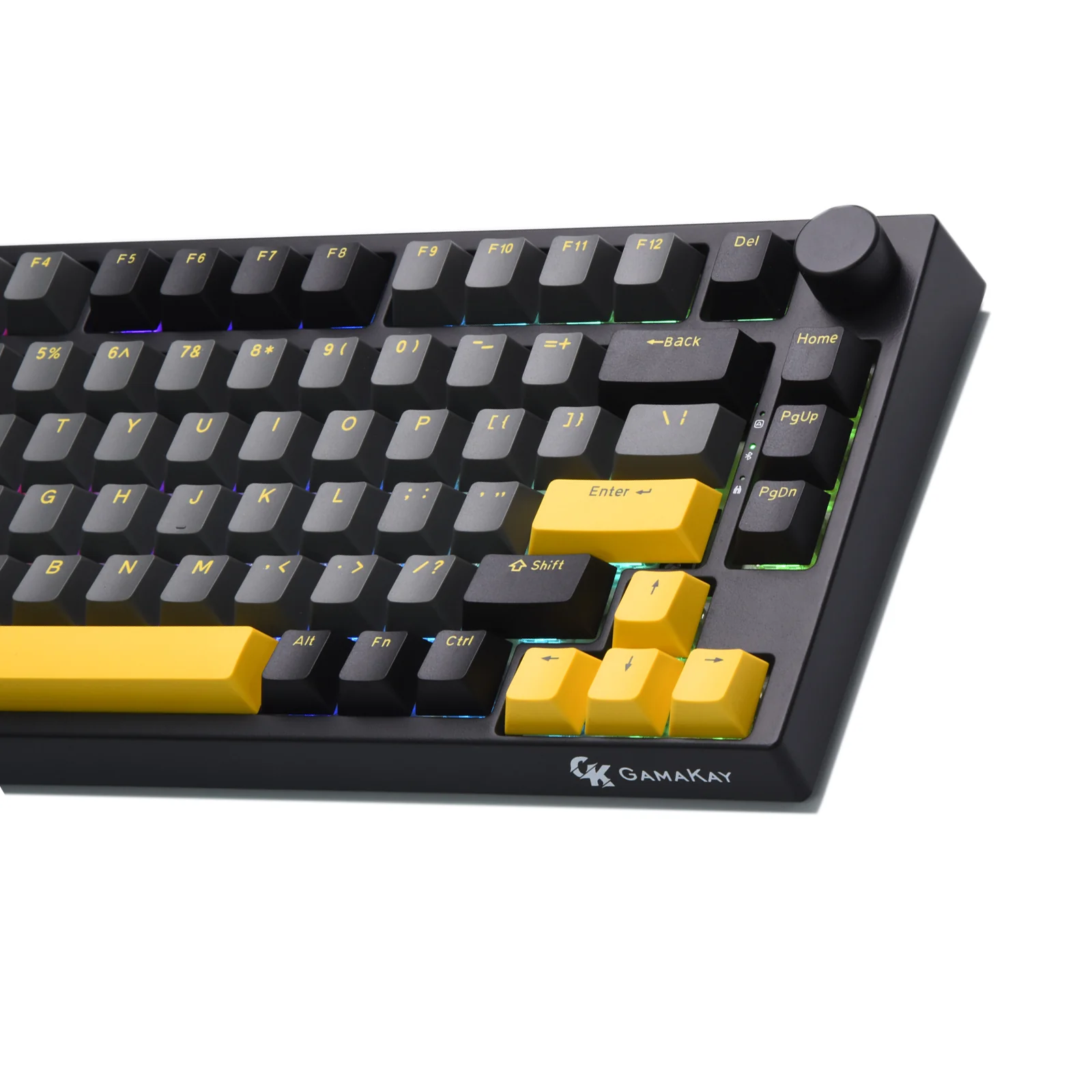
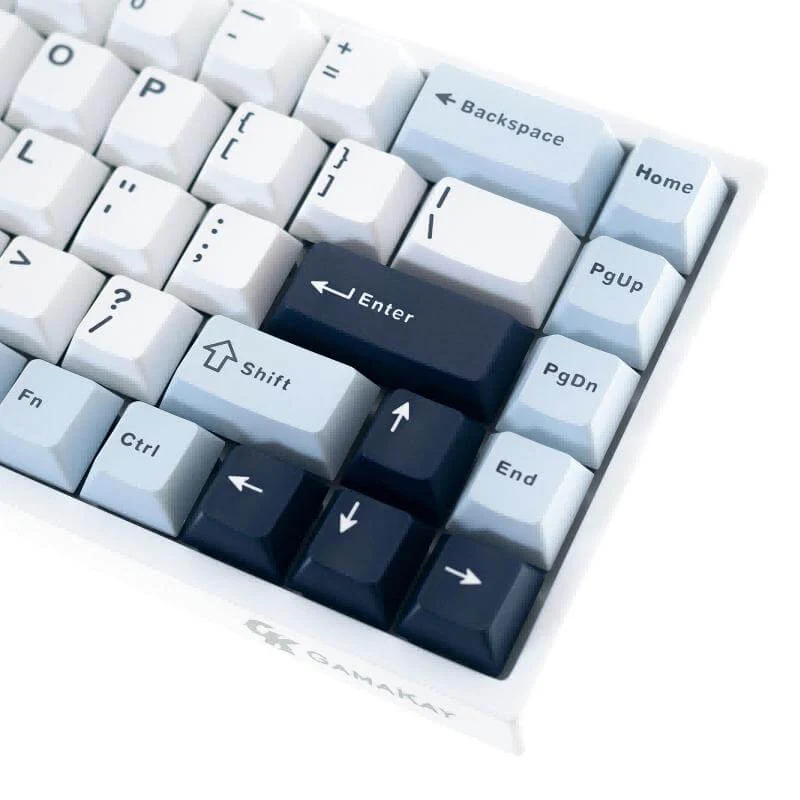
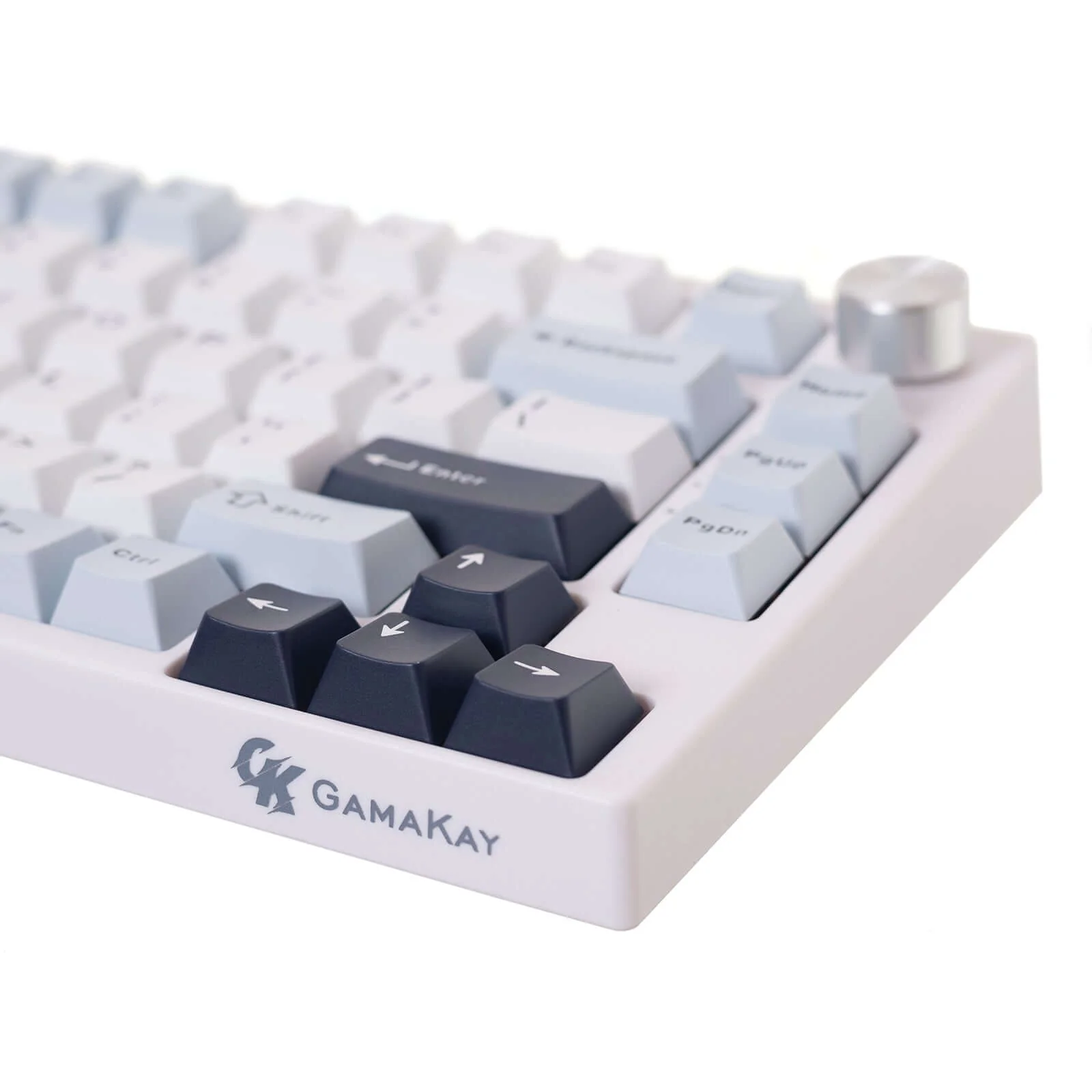
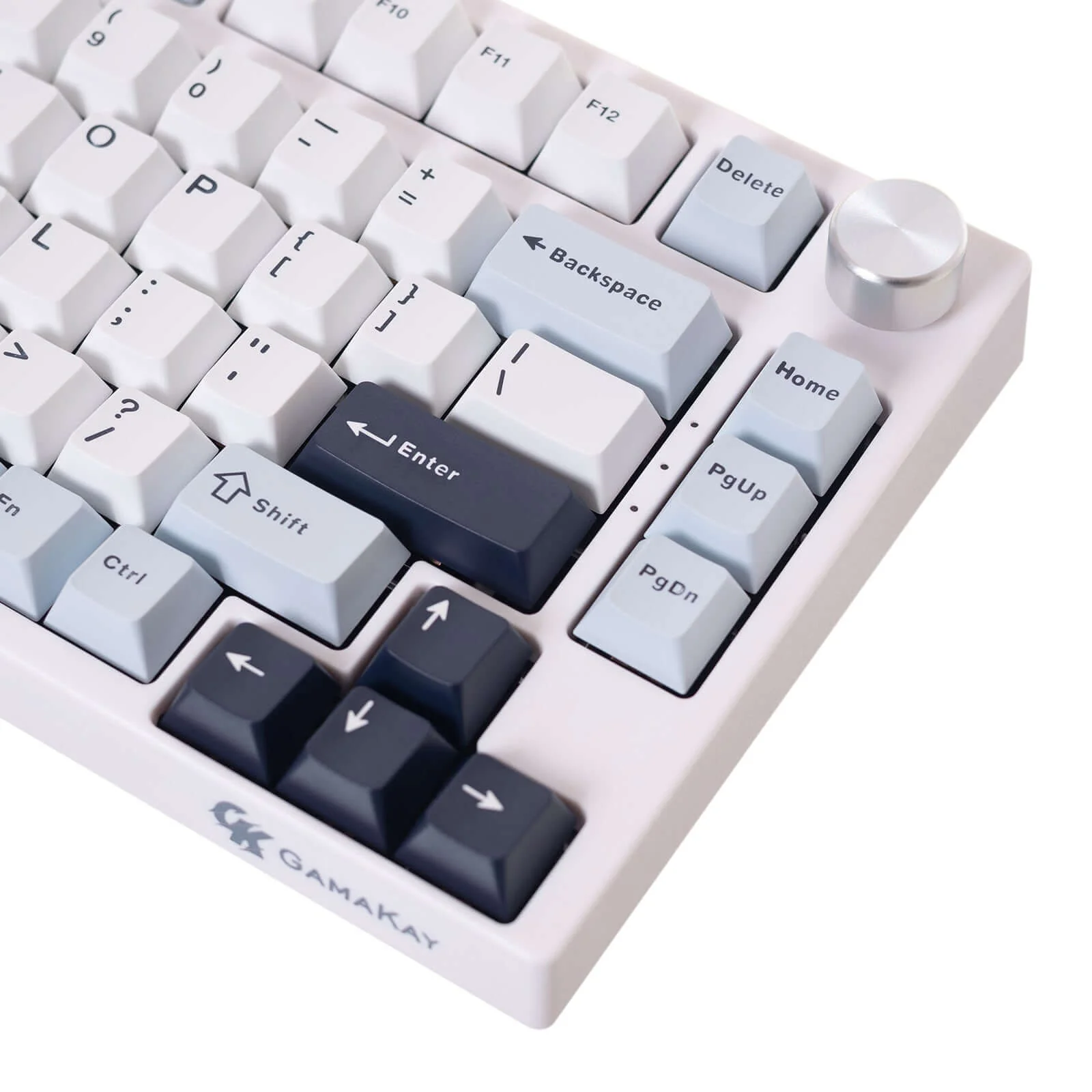
4. 75% Layout: The TK75 HE is a compact 75% layout mechanical keyboard featuring 81 keys and a polished metal knob. It also supports N-key rollover, ensuring that each keystroke is accurately registered, even when multiple keys are pressed simultaneously
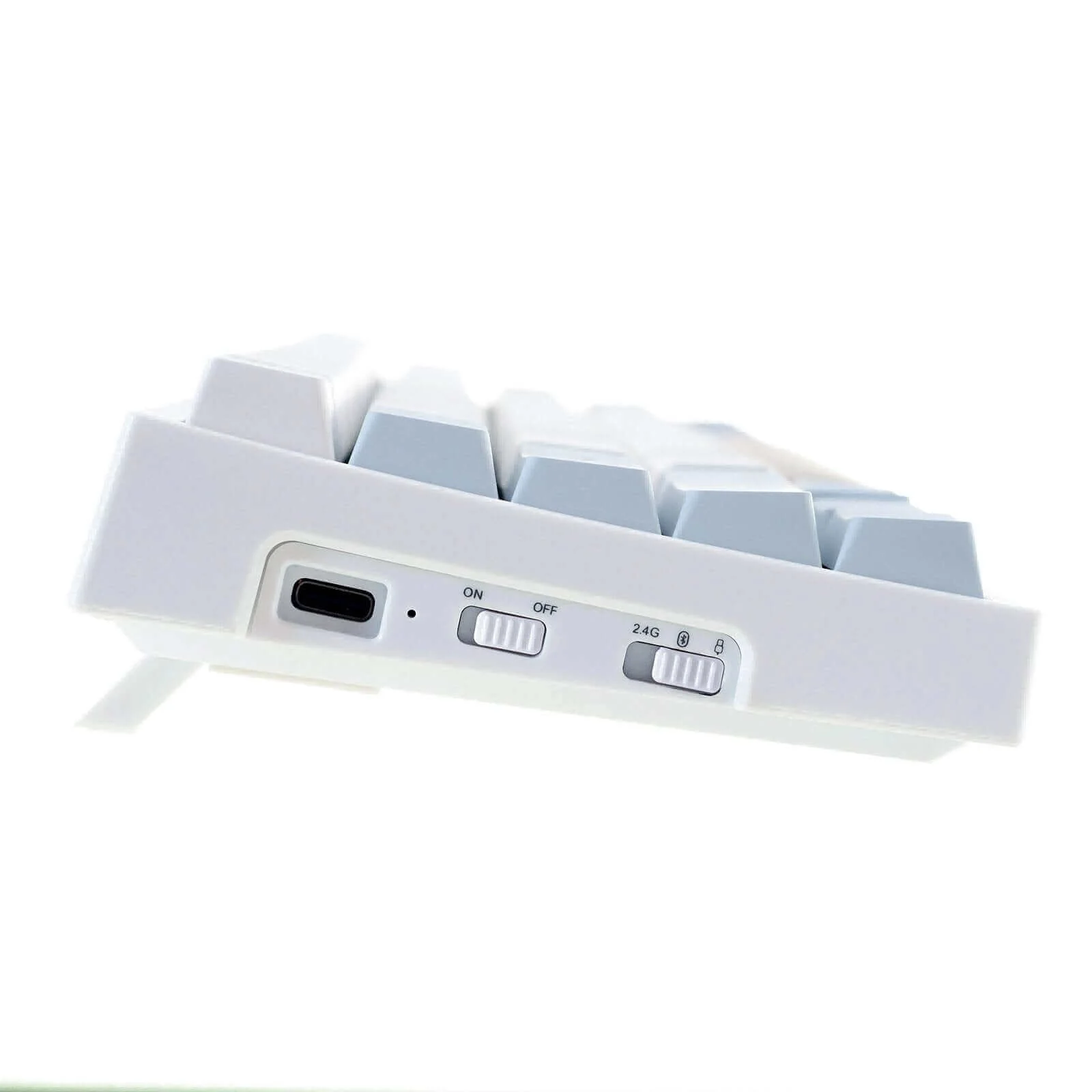
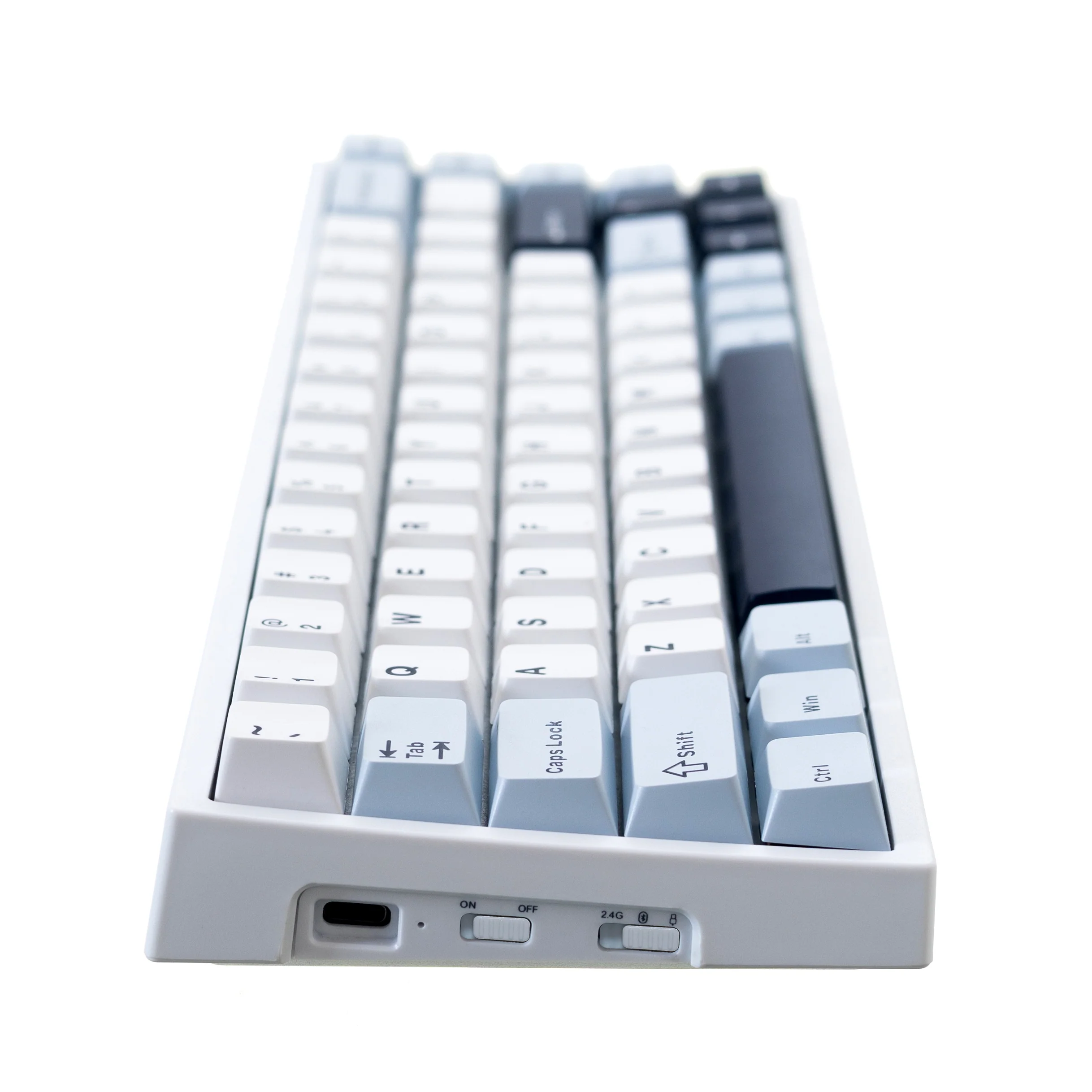
5. Multi-Device Connection: The keyboard supports use on both Windows and Mac OS and allows for three modes of connection: 2.4g, Bluetooth, and Wired. The connection is up to 5 devices. This provides flexibility and convenience for different use cases and environments
| Differences among TK75HE, TK75HEV2, TK75V2 Series Keyboard | |||
| TK75HE | TK75HEV2 | TK75V2 | |
| Price | $83.99 | Starting at $88.99 | $89.99 |
|
Keyboard Type |
Hall Effect Keyboard | Hall Effect Magnetic Keyboard |
Mechanical Keyboard |
|
Keyboard Description |
Gaming | Gaming |
Gaming/ Office |
| Switches | Gamakay Magnetic Switches: Phoenix, Mercury | Gamakay Magnetic Switches: Phoenix, Mercury | Gamakay Silent Switches: Pegasus V2, Phoenix V2 |
| Pre-lubed Switches | Yes | Yes | Yes |
|
Keyboard Structure |
Gasket-mount |
Top-mounted/ Gasket-mount |
Gasket-mount |
| Acoustic Foam | Sound-absorbing foam, EVA keyboard foam | Sound-absorbing foam, PE foam, IXPE switch pad, Bottom case silicon pad | EVA keyboard foam, Iron Position plate, PCB padding, and sandwich silicone |
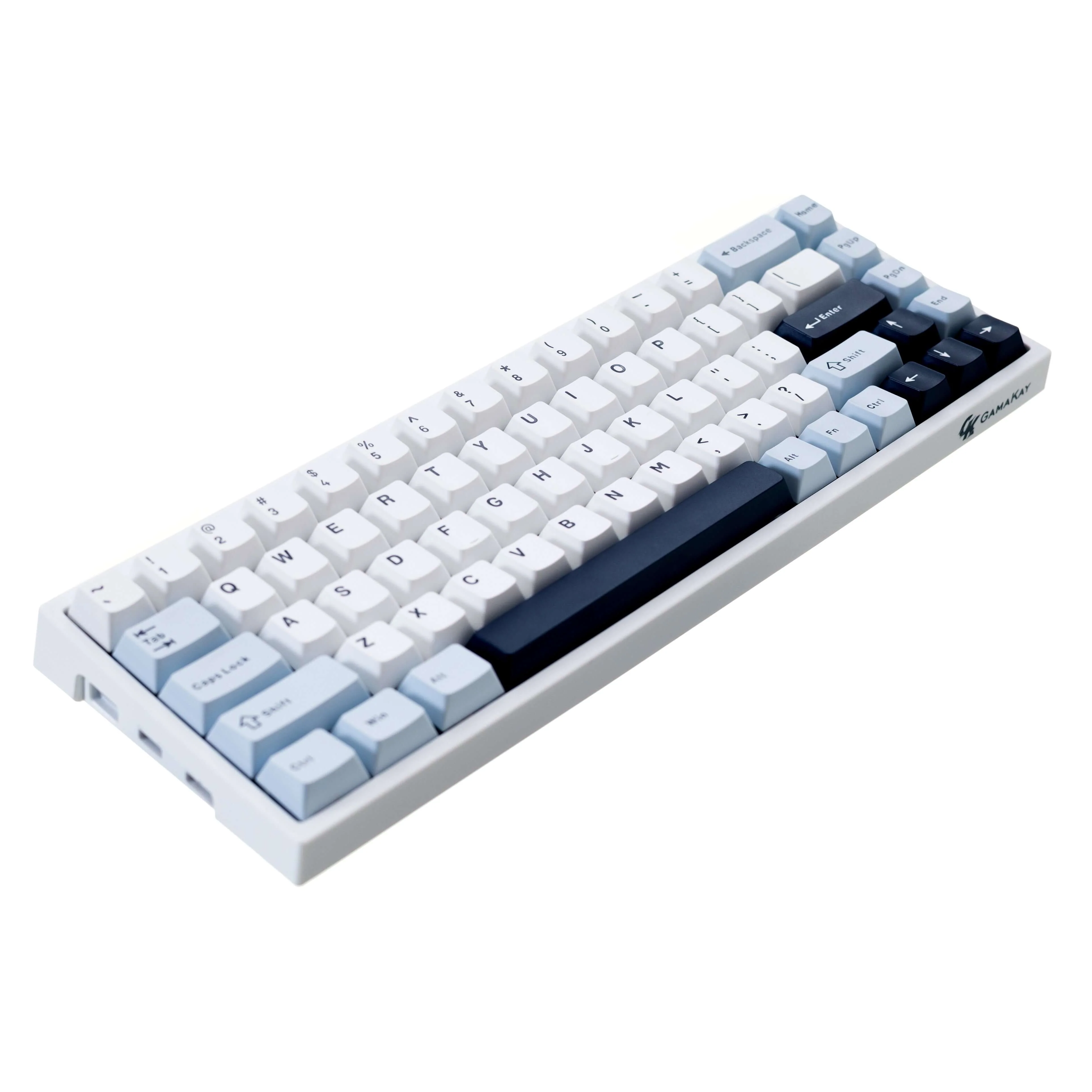
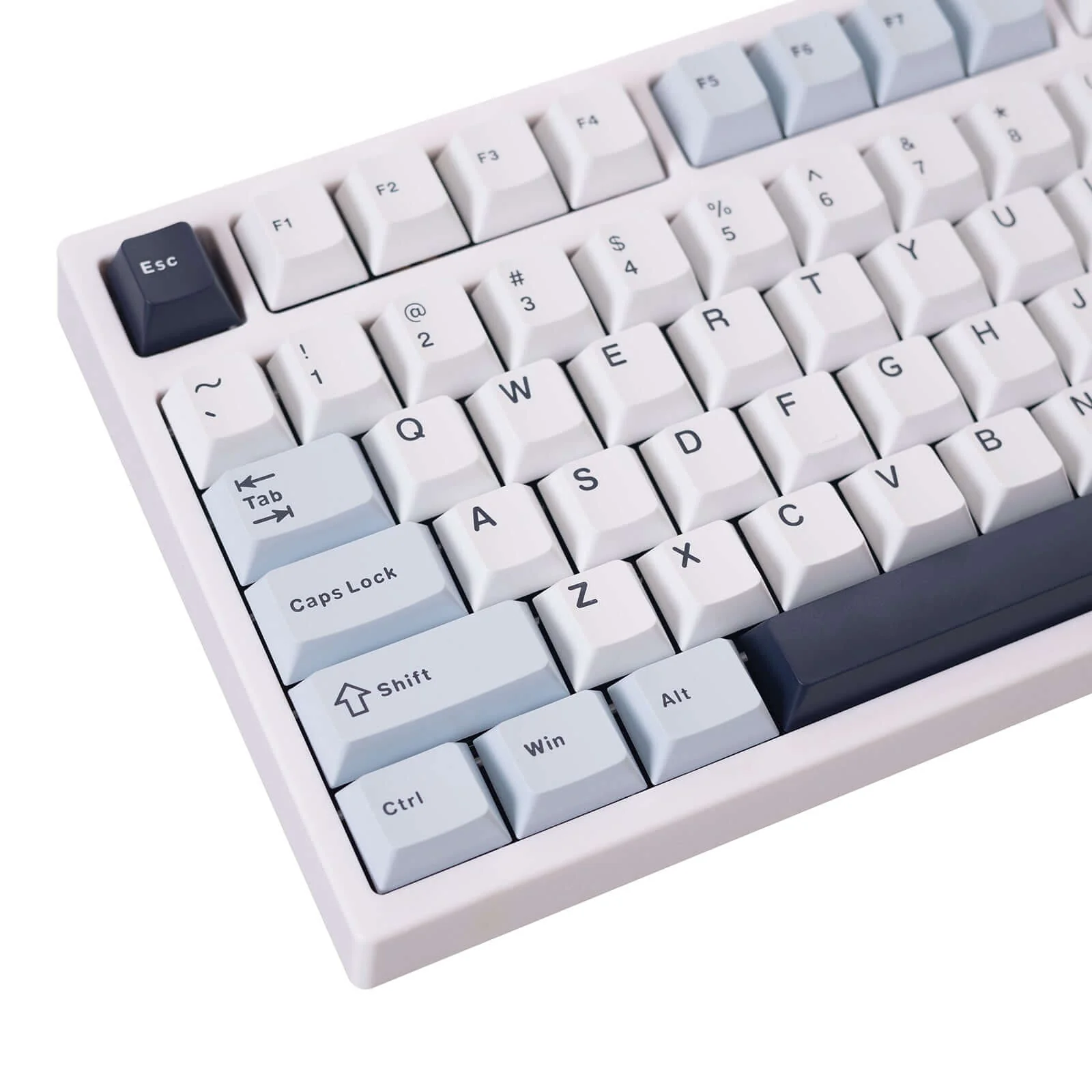
| Keycaps | Cherry PBT dual-color keycaps | PBT Cherry-profile translucent keycaps | Cherry PBT dual-color keycaps |
|
Connectivity Tech |
Type-C, Bluetooth, 2.4GHz | Type-C, Bluetooth, 2.4GHz | Type-C, Bluetooth, 2.4GHz |
| Number of Keys | 81 | 81 | 81 |
| Hardware Interface | 75% layout | 75% ANSI layout | 75% layout |
| Compatible Devices | Up to 5 devices | Up to 5 devices | Up to 5 devices |
| Operating System | Windows, Mac OS | Windows, Mac OS | Windows, Mac OS |
| Battery Life | 4000mAh | 4000mAh | 4000mAh |
| Special Features | Dynamic Keystroke (DKS), Rapid Trigger, Adjustable Travel Distance (0.2-3.7mm), Snap Tap | 8K Hz polling rate, 10K Hz scanning rate, Rapid Trigger, Snap Tap, Dynamic Keystroke (DKS), Adjustable actuation (0.01–3.7mm), 0.85" TFT display | TFT screen, Volume knob, Hot-swappable switches |
What's in the box
Keyboard:
1 * Gamakay TK68&TK75 HE 75% keyboard
Cable:
1 * Type C cable
Tools:
1* Switch Puller
1 * Keycap Puller
Specification
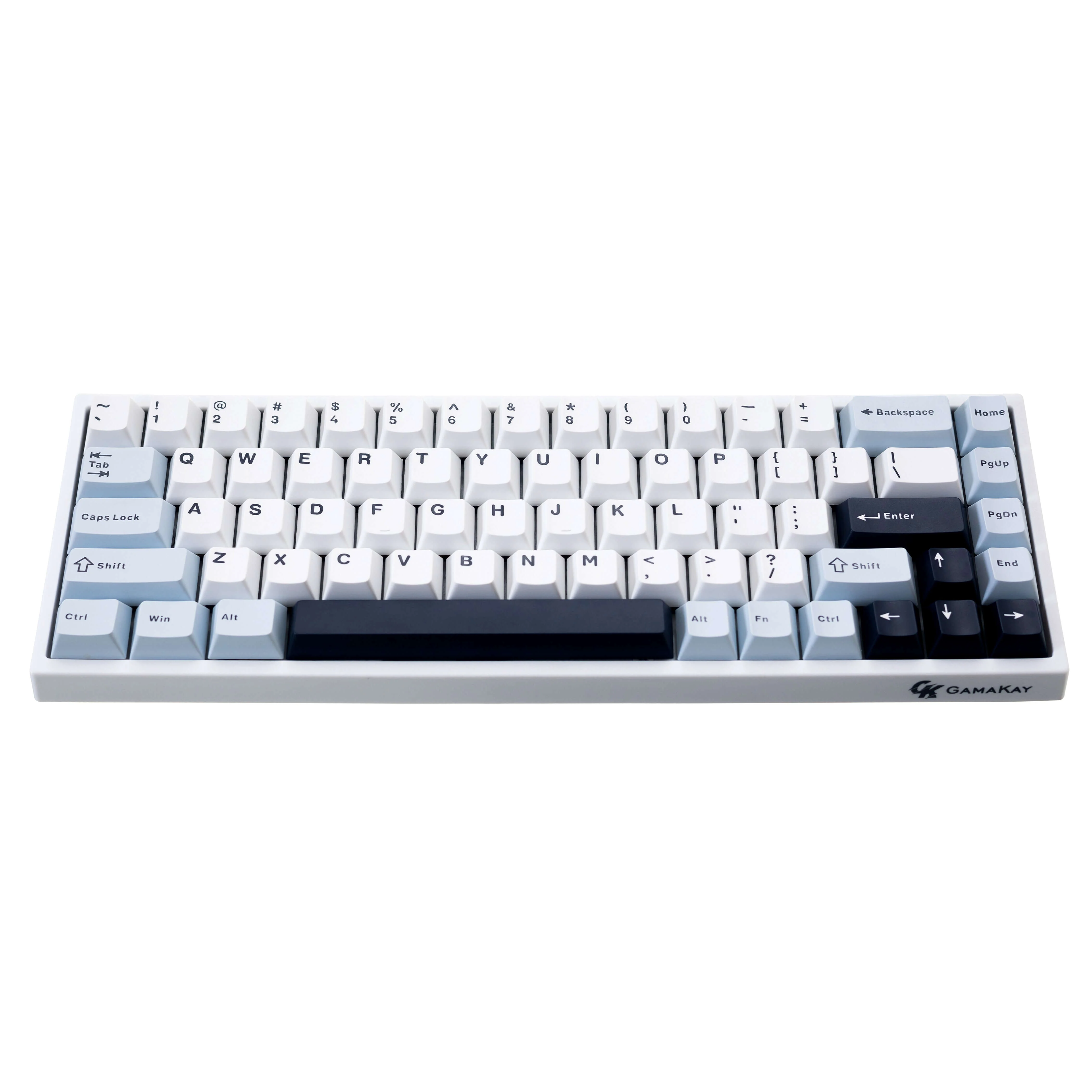
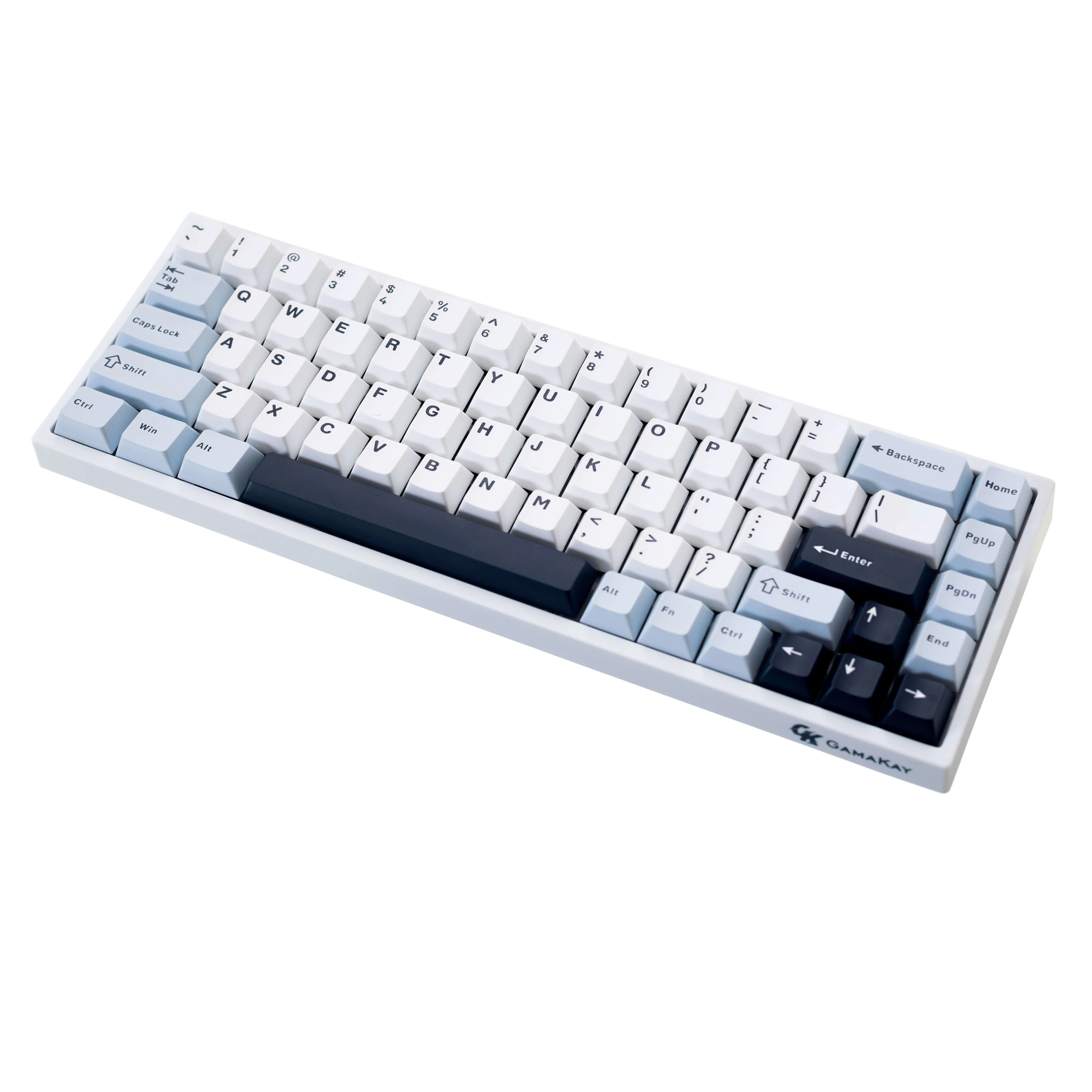
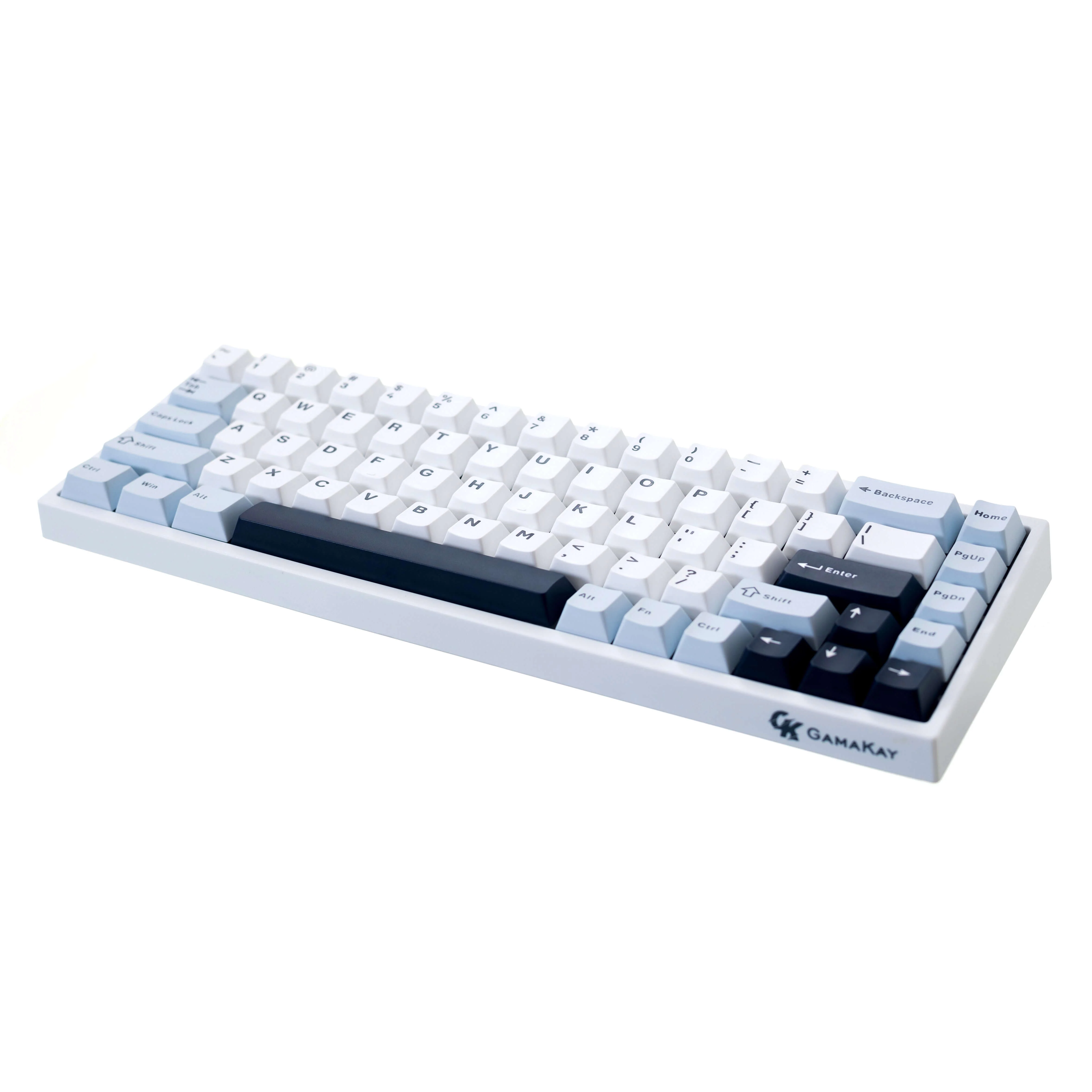
65% layout, 68keys or 75% layout, 81keys
Tri-mode connection: 2.4 g, Bluetooth, Wired
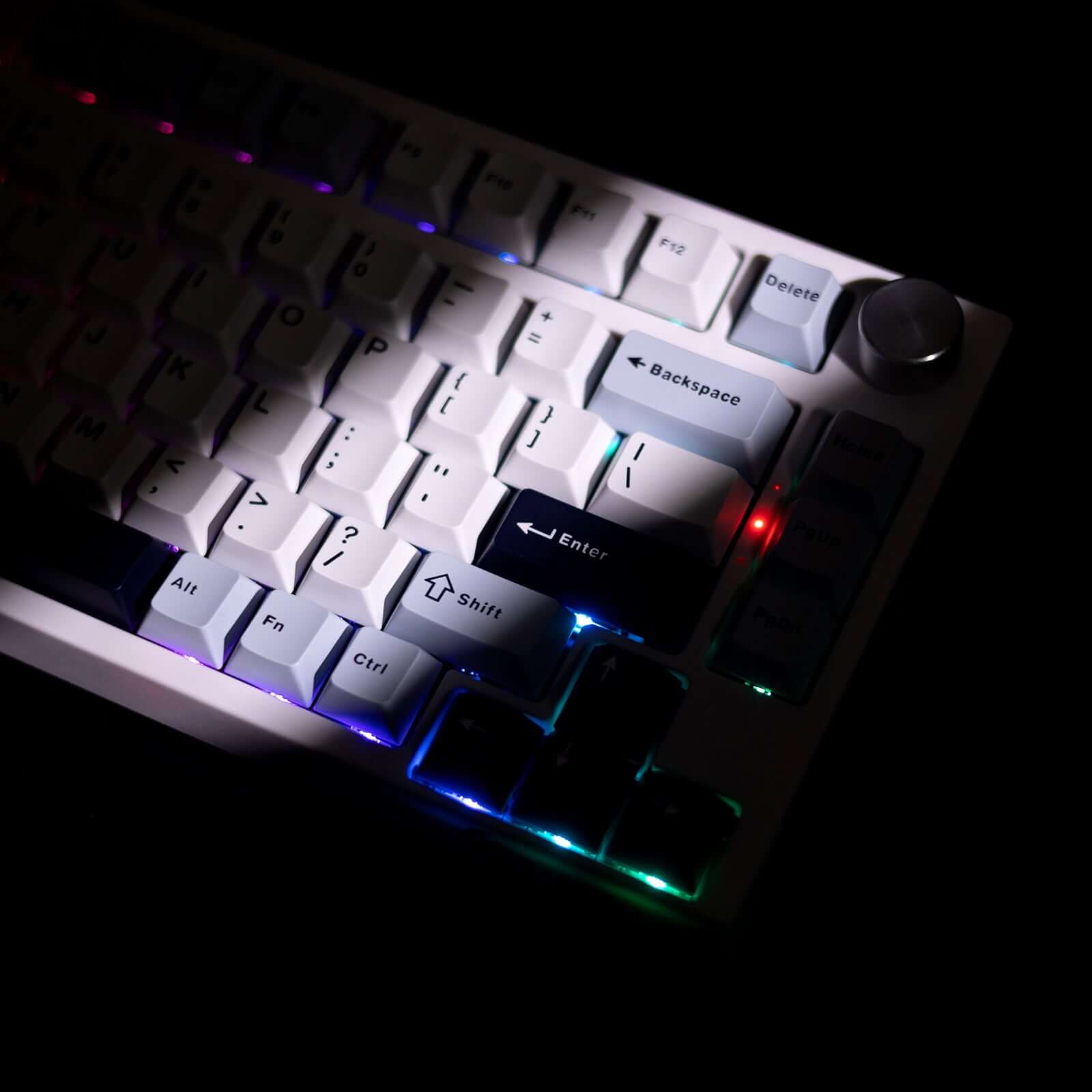
The 16 million colors RGB backlight supports music rhythm, light, and shadow mode.
Software supports MAC/Windows dual systems
Customizable Keystroke setting
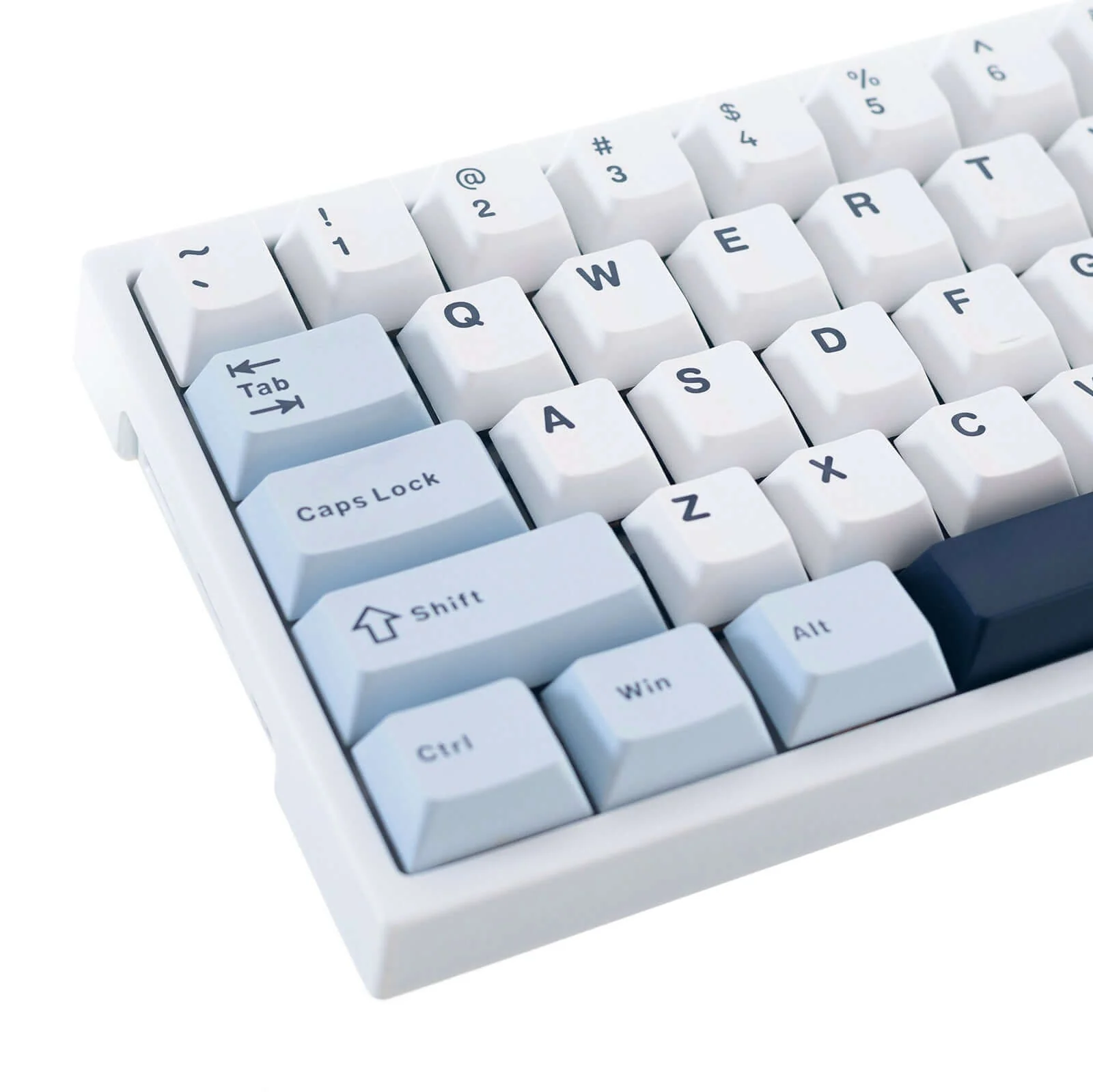
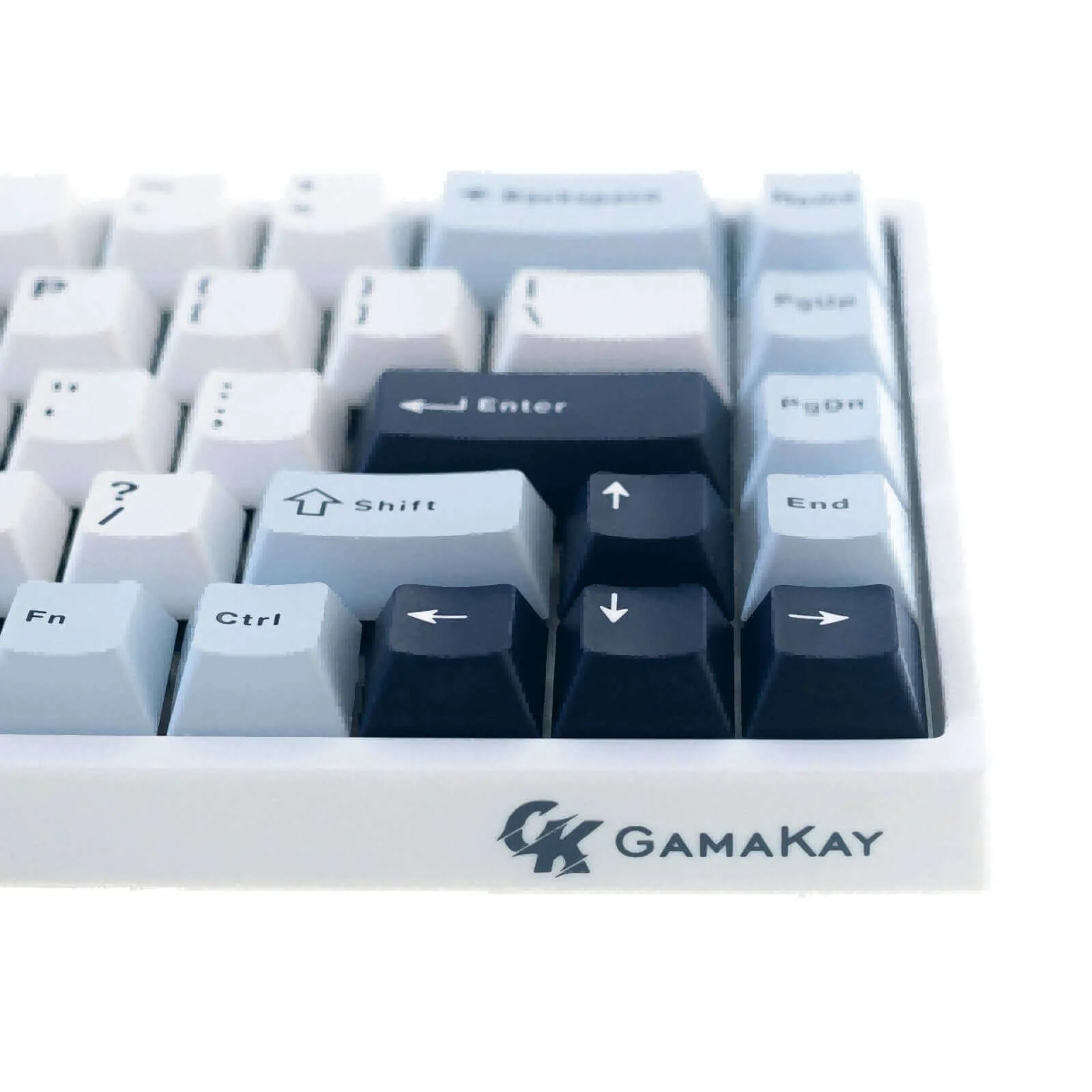
Cherry Profile PBT dual-color Keycap
Full keys punchless
Polished metal knob
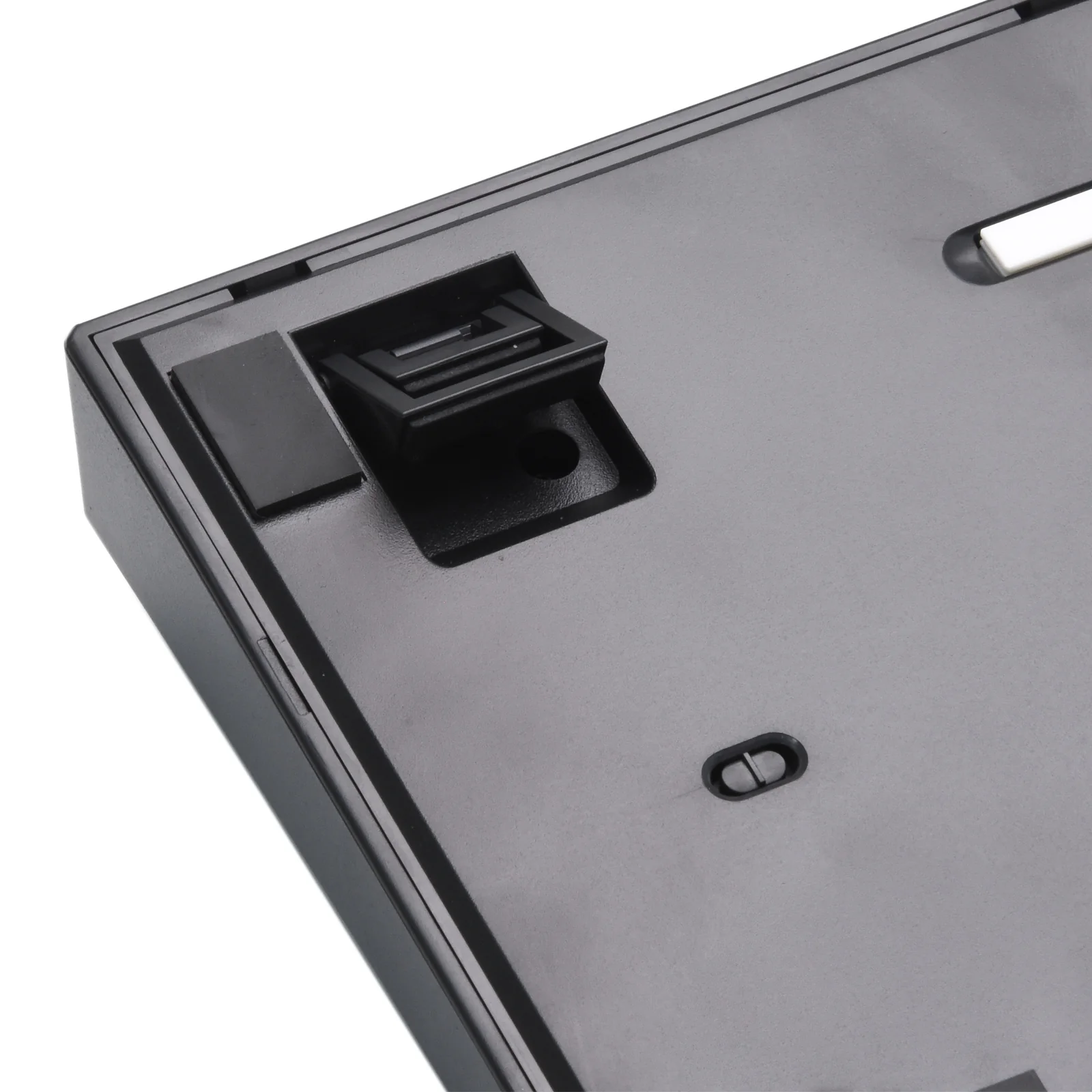
Dual-segment foot support.
Original: $69.29
-70%$69.29
$20.79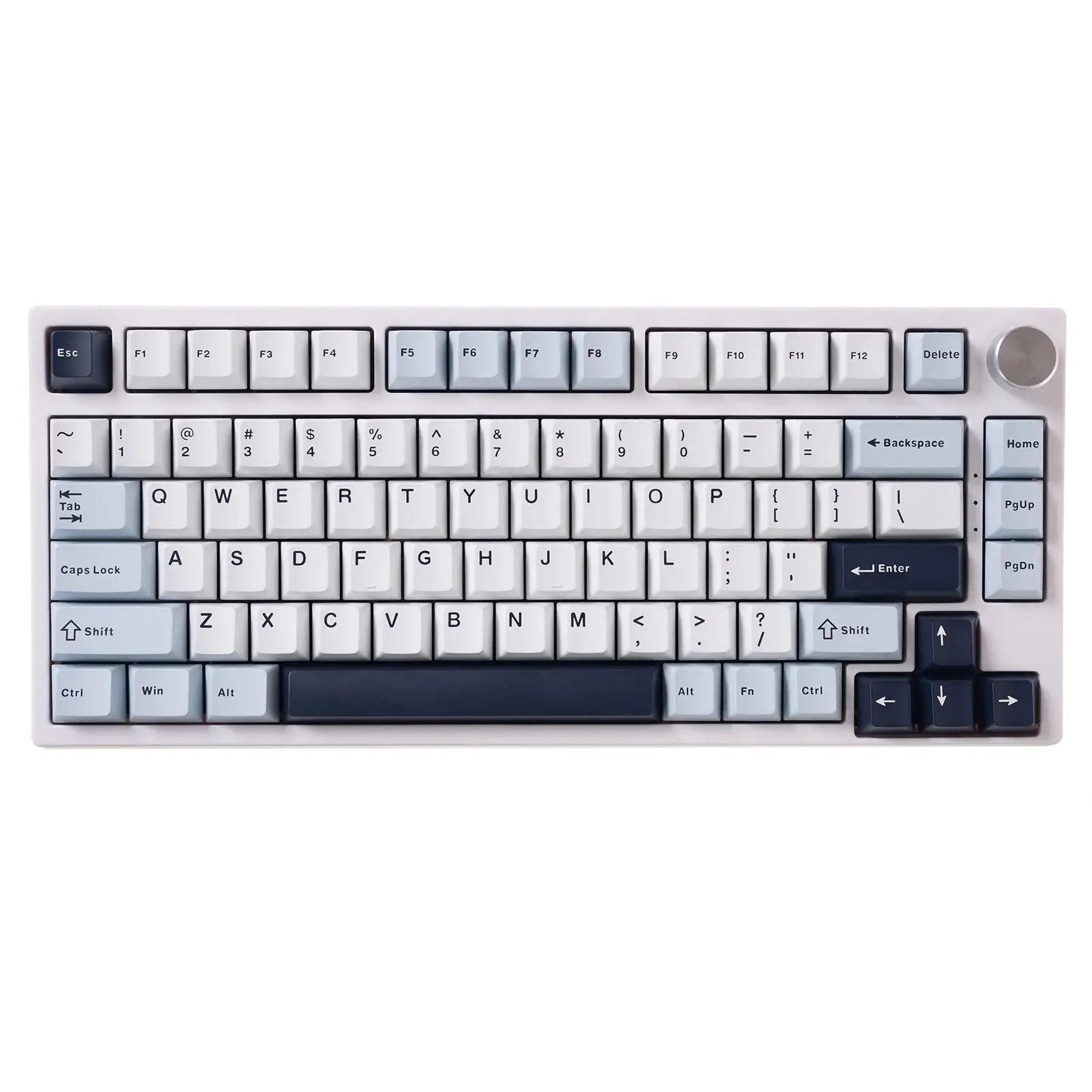
Description
Gamakay Snap Tap
Using the software settings, prioritize the latest input between two selected keys without having to release the previous one, and enjoy more responsive inputs for near-instant directional changes in FPS games (latest TK68/75HE firmware update required)
What is Snap Tap
Gamakay Snap Tap Off
With the standard keyboard, no movement is registered where two opposing directions are detected. This causes your character to stop moving and remain stationary as long as those two keys remain activated. The other key must first be released to register any direction.
Gamaky Snap Tap On
With Snap Tap on, the last input will be registered as the priority if two opposing directions are detected. This means your character will no longer stop moving in the heat of battle when two opposing directional keys are pressed. Instead, you can change directions instantly without releasing the previous key.
How to use Snap Tap on Gamakay's keyboard
Gamakay Snap Tap is available on our TK68/75HE keyboards and can be easily toggled via Gamakay Software.
To achieve the best experience with the Gamakay Snap Tap, ensure the TK68/75HE firmware and Gamakay Software have been updated to the latest versions. If you require any further assistance, please visit the Support page.
https://gamakay.com/pages/downloads
You can also buy our Gamakay NS68 Hall effect keyboard and TK75HEV2 to directly use the snap tap function without upgrading.
Features:
1. Hall Effect Switches: The keyboard has Gamakay's custom Linear Mercury and Silent Phoenix Hall Effect magnetic switches, offering a unique and responsive typing experience.
|
Adjustable Actuation Point Rapid Trigger: This feature allows keys to be activated or deactivated based on their travel distance rather than a fixed point, providing more responsive and precise control. This can be particularly beneficial in games that require quick and accurate keystrokes. Customizable Trigger Points: Each key's trigger point can be customized to meet your specific needs, and the keyboard is equipped with an automatic calibration function to ensure precision. |
|
|
3. Dynamic Keystroke (DKS): This powerful feature allows you to incorporate up to four actions within a single keystroke, similar to a macro but without the automation. This provides a level of customization and control that can enhance gameplay and productivity 4. Travel Distance Setting: The keyboard allows you to adjust the travel distance of keys from 0.2-3.7mm, providing a level of customization to suit your typing style and preferences |
4. 75% Layout: The TK75 HE is a compact 75% layout mechanical keyboard featuring 81 keys and a polished metal knob. It also supports N-key rollover, ensuring that each keystroke is accurately registered, even when multiple keys are pressed simultaneously
5. Multi-Device Connection: The keyboard supports use on both Windows and Mac OS and allows for three modes of connection: 2.4g, Bluetooth, and Wired. The connection is up to 5 devices. This provides flexibility and convenience for different use cases and environments
| Differences among TK75HE, TK75HEV2, TK75V2 Series Keyboard | |||
| TK75HE | TK75HEV2 | TK75V2 | |
| Price | $83.99 | Starting at $88.99 | $89.99 |
|
Keyboard Type |
Hall Effect Keyboard | Hall Effect Magnetic Keyboard |
Mechanical Keyboard |
|
Keyboard Description |
Gaming | Gaming |
Gaming/ Office |
| Switches | Gamakay Magnetic Switches: Phoenix, Mercury | Gamakay Magnetic Switches: Phoenix, Mercury | Gamakay Silent Switches: Pegasus V2, Phoenix V2 |
| Pre-lubed Switches | Yes | Yes | Yes |
|
Keyboard Structure |
Gasket-mount |
Top-mounted/ Gasket-mount |
Gasket-mount |
| Acoustic Foam | Sound-absorbing foam, EVA keyboard foam | Sound-absorbing foam, PE foam, IXPE switch pad, Bottom case silicon pad | EVA keyboard foam, Iron Position plate, PCB padding, and sandwich silicone |
| Keycaps | Cherry PBT dual-color keycaps | PBT Cherry-profile translucent keycaps | Cherry PBT dual-color keycaps |
|
Connectivity Tech |
Type-C, Bluetooth, 2.4GHz | Type-C, Bluetooth, 2.4GHz | Type-C, Bluetooth, 2.4GHz |
| Number of Keys | 81 | 81 | 81 |
| Hardware Interface | 75% layout | 75% ANSI layout | 75% layout |
| Compatible Devices | Up to 5 devices | Up to 5 devices | Up to 5 devices |
| Operating System | Windows, Mac OS | Windows, Mac OS | Windows, Mac OS |
| Battery Life | 4000mAh | 4000mAh | 4000mAh |
| Special Features | Dynamic Keystroke (DKS), Rapid Trigger, Adjustable Travel Distance (0.2-3.7mm), Snap Tap | 8K Hz polling rate, 10K Hz scanning rate, Rapid Trigger, Snap Tap, Dynamic Keystroke (DKS), Adjustable actuation (0.01–3.7mm), 0.85" TFT display | TFT screen, Volume knob, Hot-swappable switches |
What's in the box
Keyboard:
1 * Gamakay TK68&TK75 HE 75% keyboard
Cable:
1 * Type C cable
Tools:
1* Switch Puller
1 * Keycap Puller
Specification
65% layout, 68keys or 75% layout, 81keys
Tri-mode connection: 2.4 g, Bluetooth, Wired
The 16 million colors RGB backlight supports music rhythm, light, and shadow mode.
Software supports MAC/Windows dual systems
Customizable Keystroke setting
Cherry Profile PBT dual-color Keycap
Full keys punchless
Polished metal knob
Dual-segment foot support.